🎵 MaGeSY® R-EVOLUTiON™⭐⭐⭐

  • image

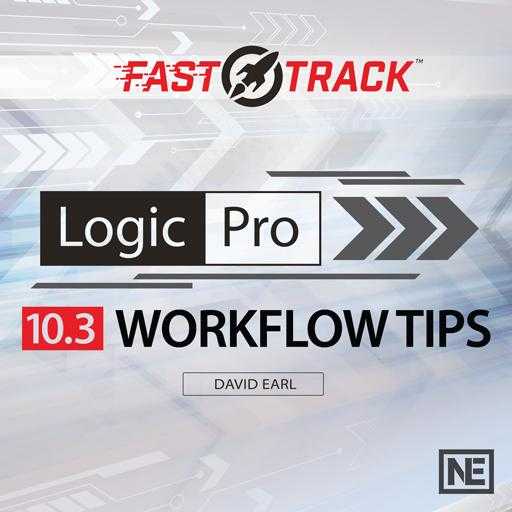
    Workflow Tips Logic Pro X 10.3x TUTORiAL

    SYNTHiC4TE | August 10 2017 | 165 MB

    Watch this laser-focussed, 18-tutorial course, and learn how to work faster with Apple’s Logic Pro X. It’s no secret: Logic is a deep software … so deep that most users barely scratch the surface of what can be done with it. And since Apple introduces new features with every update, the learning process is literally never ending! In this course, Apple Certified Trainer David Earl covers fresh new features to help you save time and focus on what’s really important: the music! From organization and archiving tips to mixing and creative techniques (like mid-side processing, true stereo panning, and new ways to use the Modulator MIDI FX), Logic Pro expert David Earl explains it all. You discover new ways to sidechain, tips for dealing with plugin latency, and what selection-based processing really is and how to use it. David also shows you some neat Apple Loops tricks and shares essential key commands you probably didn’t know existed!


    Viewed 5253 By Music Producers & DJ´s.

  • Audio Production Workflow COMPLETE TUTORiAL
    March 10th, 2017 ⚡
    Categories:

    image

    Audio Production Workflow TUTORiAL

    TEAM COMPRiSED | March 09 2017 | 3.44 GB

    Learn how to create an Audio Production Workflow, and produce professional quality music within virtually any DAW! In this course, you will learn how to produce and record professional quality music with a FREE DAW! You will learn your way around a basic DAW and that knowledge will transfer to almost any DAW on the market. Studio One Prime is a fully functional, FREE DAW by Presonus, and it is nothing to overlook!


    Viewed 4872 By Music Producers & DJ´s.


  • image

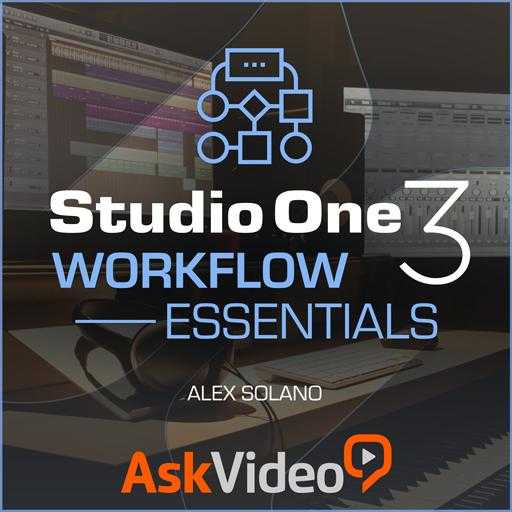
    Workflow Essentials Studio One TUTORiAL

    SYNTHiC4TE | March 03 2017 | 137 MB

    Having a good workflow is key to saving time and boosting productivity. In this course, audio expert Alex Solano shares workflow strategies to help you unleash the full power of PreSonus Studio One. First, Alex reveals the best way to start a Studio One project. He explains the right way to import files and how to keep your session neatly organized—and he also shows the wrong way to do it, so you can see exactly what NOT to do and why. Along the way, you learn how to set up your own custom keyboard shortcuts, how to bounce files and how to remove duplicate files to keep your project file size as small as possible.


    Viewed 4914 By Music Producers & DJ´s.


  • image

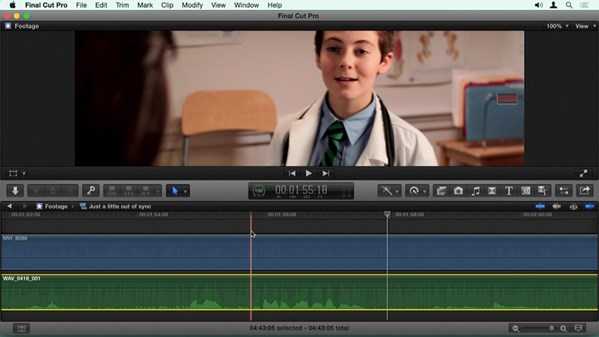
    Final Cut Pro X Guru: Sync Sound Workflow TUTORiAL

    P2P | Sept 04 2015 | 2.87 GB

    Recording dual audio, the practice of recording audio separately from the camera, started originally with film. It’s become a common practice with the current crop of DSLR and cinema cameras. The challenge for editors is matching the video and audio in post. Luckily, Final Cut Pro X has amazing ability to sync your media—and it gets even better when you incorporate the powerful third-party plugin PluralEyes. This course will help you quickly master the nuances of this workflow, save time, and get the best results when syncing media in Final Cut Pro.


    Viewed 7388 By Music Producers & DJ´s.


  • image

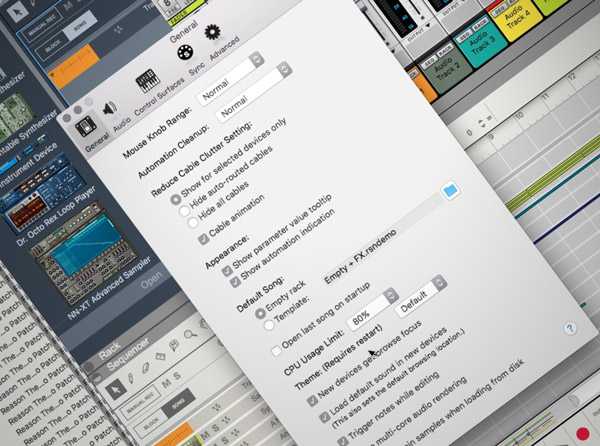
    Reason 9 Know-How Workflow Enhancements TUTORiAL

    FREE | 17.08.2016 | 94.5 MB

    MP4 | 6 Tutorials

    In this FREE video tutorial series, Reason expert Dave Askew reveals short cuts and techniques using the new features in Reason 9, that will enhance your workflow and spark creativity. Dave starts by walking you through the new visual themes you can apply to customize your Reason 9 experience, as well as how to access all the new sounds in Reason 9, including the ability to search for presets by artist. The new Rack Extensions are then explored and you’ll learn how you can add more to Reason 9, such as extensions for guitar, audio effects, and MIDI.


    Viewed 5716 By Music Producers & DJ´s.


  • image

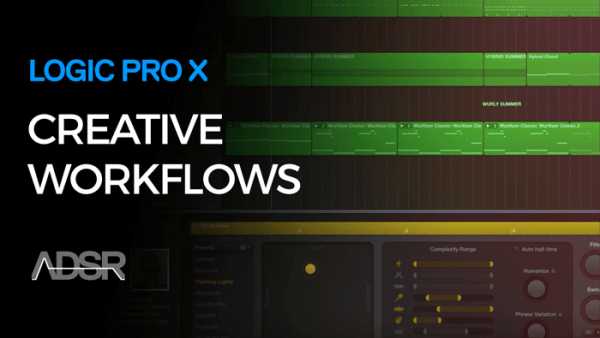
    Creative Workflow in Logic Pro X TUTORiAL

    SYNTHiC4TE | July 15 2016 | 1.49 GB

    Gain Creative Control Of Logic Pro X

    In this 6-part intermediate course, instructor gives you a thorough initiation into creative workflows using Logic Pro X. If you’ve got the basics of Logic Pro X down and want to kick start your creativity, this course can help you make the most of the technology available. Creative Workflows in Logic Pro X walks you through smart use of key creative tools in Logic Pro X to give you more control over the DAW and arm you with creative techniques you can use to make better music. In Creative Workflows in Logic Pro X you will learn how to capitalize on inbuilt features in Logic Pro X as part of a practical and creative music production workflow.


    Viewed 3911 By Music Producers & DJ´s.


MaGeSY TeleGram Subscribe & Stay up to date with all the Posts that are published in MaGeSY MaGeSY Podcast: Subscribe & Stay up to date with all the Audio Posts that are published in MaGeSY MaGeSY Instagram Official MaGeSY-Youtube Official MaGeSY-X Official MaGeSY-Facebook Official MaGeSY-Pinterest Official MaGeSY-WhatsApp Channel Official

With Adblocker the page loads slower & avoid enhanced new search


ಮ್ಯಾಜೆಸ್ಯ್