JavaScript disabled

This website requires JavaScript to function properly.
Please enable it in your browser and reload the page.

Download Logic Pro X | MaGeSY ®™⭐
🎵 MaGeSY® R-EVOLUTiON™⭐⭐⭐

  • image

    Logic Pro X Know-How Markers TUTORiAL

    SYNTHiC4TE | August 20 2016 | 224 MB

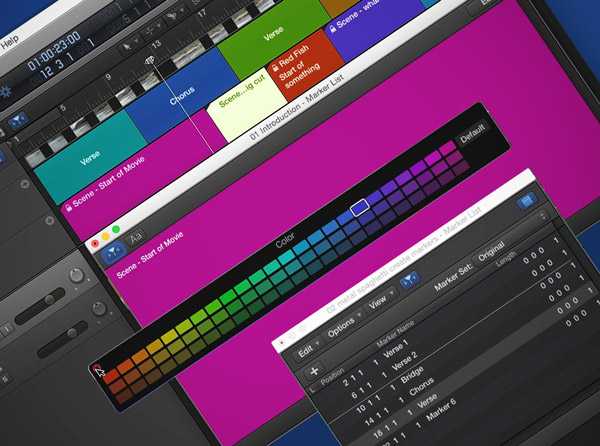
    The Logic wiz Doug Zangar returns, this time with a Know-How series on the powerful Marker features in Logic Pro X! These in-depth video tutorials will show you how Markers make recording, editing and navigating in LPX, way more efficient and fun. Doug starts off with an overview of the different types of Markers found in Logic Pro X, then it’s off to Marker school, where you’ll learn how to create Markers and Marker Sets, as well as how to Copy, Resize and Lock Markers. Moving on, Doug now reveals how to Navigate with Markers, utilize Movie Markers, and create and edit Arrangement Markers, supercharging your Logic Pro X workflow.


    Viewed 3437 By Music Producers & DJ´s.


  • image

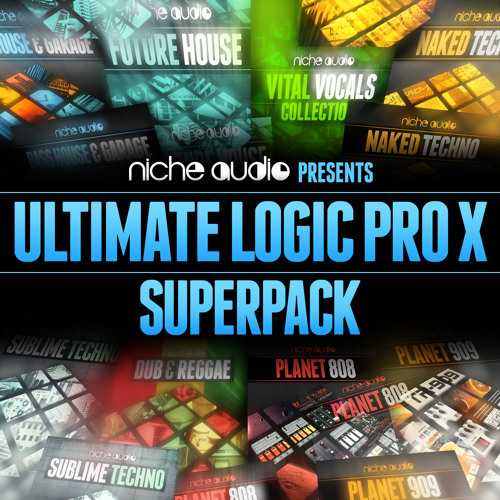
    Ultimate Logic Pro X Superpack

    FANTASTiC | August 07 2016 | 696 MB

    Logic Superpack is the ultimate new bundle featuring eight stunning packs for Logic Pro users. This incredible collection gives Logic users the chance to experience quality and dedication to detail at a price that’s too good to miss. The Ultimate Logic Superpack consists of Bass House & Garage, Future House, Naked Techno, Sublime Techno, Dub & Reggae, Planet 808, Planet 909 and Vital Vocals. Click the links to find out about the individual packs in detail.


    Viewed 10496 By Music Producers & DJ´s.


  • image

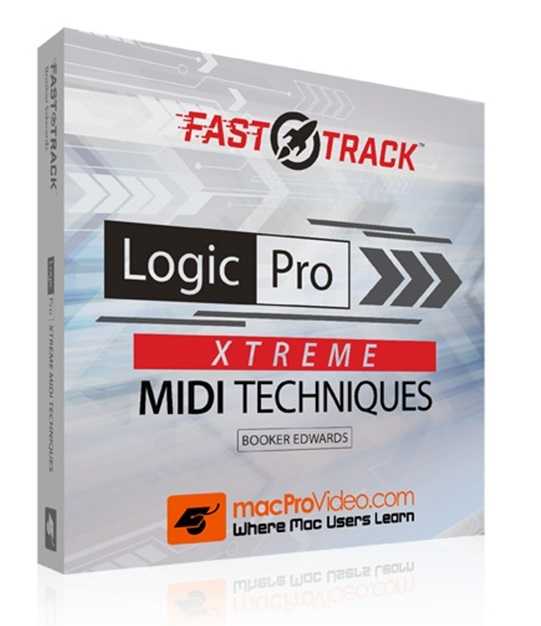
    Xtreme MIDI Techniques Logic Pro TUTORiAL

    SYNTHiC4TE | July 30 2016 | 131 MB

    Logic Pro is known for its high-end MIDI features. In this Xtreme MIDI Techniques FastTrack™ course, expert trainer, explores and explains them all. Propel your MIDI chops to the Xtreme… FAST! We all tend to go to Logic’s Piano Roll editor when we edit MIDI. It’s easy, understandable and, quite frankly, it’s the most friendly. However, Logic has two other MIDI editors that offer even more power and control to do certain MIDI tasks better than the Piano Roll. They’re the Event List and the Step Editor.


    Viewed 4254 By Music Producers & DJ´s.


  • image

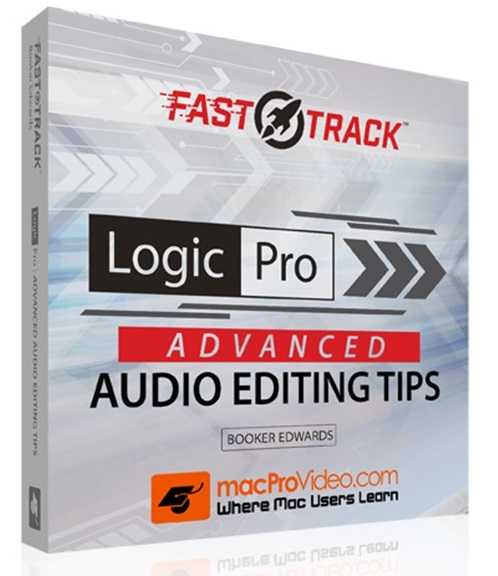
    Advanced Audio Editing Tips Logic Pro TUTORiAL

    SYNTHiC4TE | July 30 2016 | 115 MB

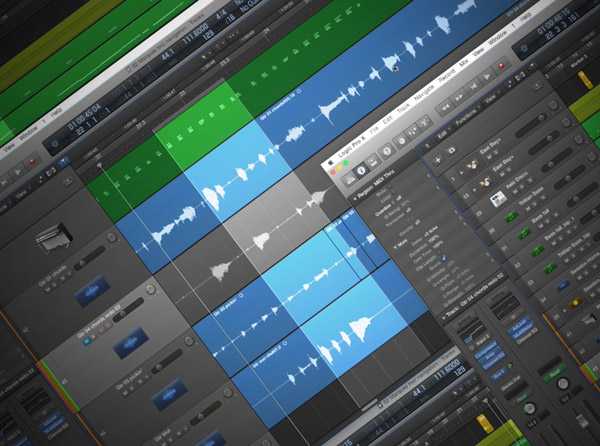
    This Logic Pro FastTrack™ course exceeds the audio editing speed limit! Some amazing tips that’ll supercharge your audio workflow. So buckle-up and get ready to learn… Fast! Do you know all the features that are integrated into Quick Swipe comping? How about the difference between loops, copies and clones and when they are best deployed? What about the efficiency of Edit Groups and all the ways you can compress and expand audio in the Main window? Then, there’s “pocketing” drums using Logic Pro’s Phased Locked audio feature. These tips and more are injected directly into your brain, fast, in this laser-focussed course.


    Viewed 4199 By Music Producers & DJ´s.


  • image

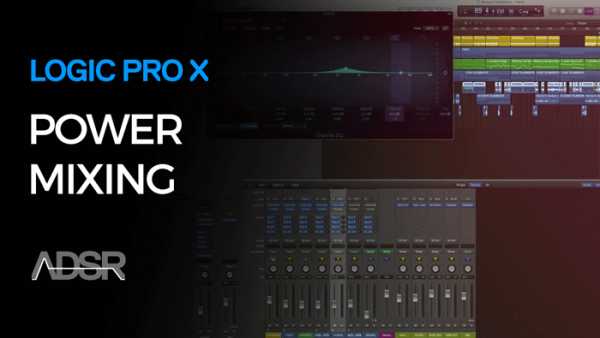
    Power Mixing in Logic Pro X TUTORiAL

    SYNTHiC4TE | July 25 2016 | 2.57 GB

    Mixing is a fundamental production skill, but it can be daunting to new engineers. Instructor walks you through a basic static mix workflow, discussing the process and choices he makes along the way. This workflow was developed over several years of teaching audio mix concepts at the college level, and provides a clear, repeatable process for engineers of all levels and genres.


    Viewed 3582 By Music Producers & DJ´s.


  • image

    Creative Workflow in Logic Pro X TUTORiAL

    SYNTHiC4TE | July 15 2016 | 1.49 GB

    Gain Creative Control Of Logic Pro X

    In this 6-part intermediate course, instructor gives you a thorough initiation into creative workflows using Logic Pro X. If you’ve got the basics of Logic Pro X down and want to kick start your creativity, this course can help you make the most of the technology available. Creative Workflows in Logic Pro X walks you through smart use of key creative tools in Logic Pro X to give you more control over the DAW and arm you with creative techniques you can use to make better music. In Creative Workflows in Logic Pro X you will learn how to capitalize on inbuilt features in Logic Pro X as part of a practical and creative music production workflow.


    Viewed 4000 By Music Producers & DJ´s.


  • image

    How The Marquee Tool TUTORiAL

    P2P |03.07.2016 | 139 MB

    Logic Pro X Know | MP4 | 6 Tutorials

    The Marquee tool in Logic Pro X is one of the most powerful tools, but least understood. In this video tutorial series, Logic guru Doug Zangar shares his Logic Pro X Know-How with you, teaching you everything you need to know about this multi-faceted, powerhouse tool! Doug begins by showing you how you can set up the Marquee tool to be at your fingertips whenever you need it, and how to use it to define playback location. After that, he dives into the various ways you can use the Marquee tool to make selections, and how to modify your selections once made. That leads into a video exploring all of your editing options with your Marquee selection.


    Viewed 3984 By Music Producers & DJ´s.


MaGeSY TeleGram Subscribe & Stay up to date with all the Posts that are published in MaGeSY MaGeSY Podcast: Subscribe & Stay up to date with all the Audio Posts that are published in MaGeSY MaGeSY Instagram Official MaGeSY-Youtube Official MaGeSY-X Official MaGeSY-Facebook Official Social Networks:MaGeSY-Pinterest Official MaGeSY-WhatsApp Channel Official  MaGeSY-TiK-TOK Channel Official

Total Posts: ❨ 🎵➡266 ❩ | Paged: ➡ 27


ಮ್ಯಾಜೆಸ್ಯ್