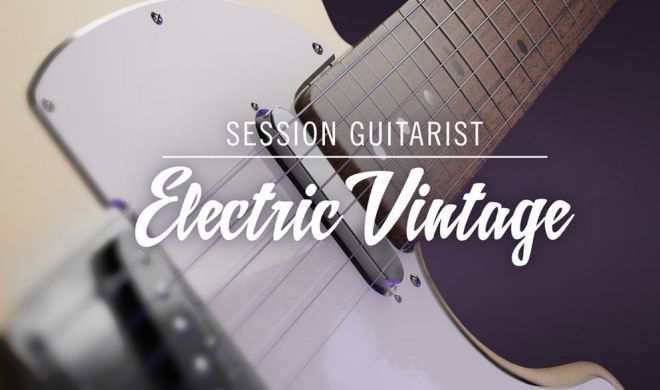
Electric Vintage KONTAKT
HiDERA | 15 August 2025 | 7.75 GB
The unmistakable sound of a vintage 50s solid-body electric, captured by a session pro. Over 230 strummed and picked patterns…
Viewed 30822 By Music Producers & DJ´s.


The unmistakable sound of a vintage 50s solid-body electric, captured by a session pro. Over 230 strummed and picked patterns…
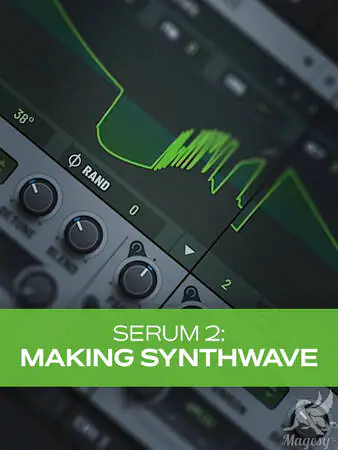
In this Serum 2 video course, electronic music wiz Thomas Cochran shows you how to create an entire synthwave track using nothing but Serum 2 for all the sounds. From plucks and arps to drums, bass, pads, and more, it’s all covered here. Not only will you learn all the elements needed to build a great synthwave track, but you’ll learn all kinds of tips and techniques for Serum 2 that will have you designing your own patches from scratch before you know it. These Serum 2 video tutorials are designed for Serum 2 users. Thomas begins by welcoming you and briefly discussing what all he’ll be covering in the course, followed by a complete playthrough of the track, so you’ll know what’s coming. Then it’s on the foundation of the track: the drums. Thomas will discuss not only the sounds commonly used for synthwave drums but also the types of patterns typically used. You’ll also see how to fill things out a bit more with some added percussion and create a rough drum mix with the effects plugin version of Serum 2.

Expand your acoustic collection with vintage 6- and 12-string guitars. Access over 160 patterns played by skilled studio musicians. Customize performances with chord voicings, double-tracking, and on-board effects
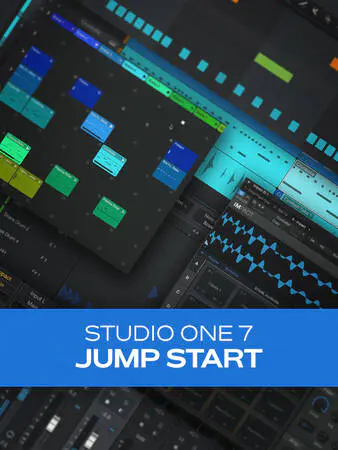
Are you eager to begin using Studio One 7, yet uninterested in deciphering a 300-page guide? You’re in the right place. In this Studio One 7 video course, Studio One guru Eli Krantzberg teaches you the basics of Studio One 7 so that you can hit the ground running quickly and get down to doing what you want to do: record your own music. You’ll learn how to set up your audio interface, how to navigate your session, record audio and MIDI instruments, add effects, edit tracks, and much more! By the end of this Studio One 7 course, you’ll be ready to start recording your first track in Studio One and building your first full song! These videos are designed for new Studio One 7 users. Eli begins by showing you how to set up an audio interface (which you’ll use to record and play back audio on your computer) and a MIDI keyboard controller, with which you can play and record countless “virtual” MIDI instruments, like piano, drums, bass, strings… you name it! Then you’ll get the lay of the land in Studio One, so you can see how everything is laid out and learn a few different ways for creating new tracks.

Do you wish you could use some of your favorite effects pedals and amps in Logic Pro the way you do a plugin? Or maybe you’ve got a killer-sounding analog synth that you’d like to control just like a virtual instrument? Well, step right this way, because you’ve come to the right place. In this Logic Pro video course, Logic Pro guru Stephen O’Connell will walk you through the process of connecting various types of outboard gear and interfacing seamlessly hassle-free! These Logic Pro videos are for Logic Pro users who already know their way around Logic Pro, but are looking to integrate external devices into their in-the-box workflow. To begin, Stephen welcomes you and provides an overview of what we’ll be covering, including the different types of outboard gear we’ll look at and why you’d want to use it, along with what equipment you’ll need to follow along. Then he explains the various types of audio signals (mic, line, and instrument level) at work in this type of scenario, how they differ, and how to convert from one to another properly.

If you’re on the hunt for the best sound design synth, Serum 2 is definitely worth checking out. In this Serum 2 video course, electronic music wiz Larry Holcombe will show you how to get started with this powerful hybrid synth from Xfer Records. After watching, you’ll understand exactly what each and every parameter does to the sound. From the oscillators, filters, envelopes, and LFOs to the wavetables, sampler, macros, and Mod Matrix, it’s all covered! By the end of this Serum 2 course, you’ll be ready to start using Serum 2 on your next track. These Serum 2 videos are perfect for those just starting out with Serum 2! Larry welcomes you and begins with a brief tour of the interface to get you your bearings, touching upon the oscillators, filters, and modulators, among other major components. Then he discusses the oscillators in detail, showing how to create different sound sources to be used as the basis for a patch. After this, Larry explains the wavetables and how wavetable synthesis works on Serum 2 using the Wavetable position dial.
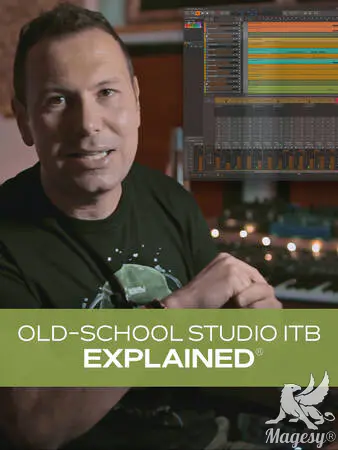
In this in-depth production and mixing video course, studio guru Alberto Rizzo Schettino takes you back in time, so to speak, and shows how to recreate the old-school way of recording and mixing while working entirely in your DAW, or “In the Box”. From routing options and session resource management to specific instrument treatment and processing, you’ll work your way through an entire mix, learning all kinds of tips, techniques, and ideas along the way. These videos are designed for those looking to capture that vintage workflow, aesthetic, and sound, all while working entirely in your DAW. Alberto begins with an overview of the series, providing some background on the techniques being used and speaks a bit about the types of outboard gear being emulated. Then you’ll get a run-down of the song being used throughout the course, including the instrumentation and demonstrating the sound trying to be achieved with the virtual old-school session. Next, Alberto starts with the drums, guiding you through a signal flow that includes EQ, dynamics, and more, showcasing the advancements in the digital emulations. Bass and keys follow, and you’ll see how to shape them with amp emulations, distortion/saturation, and EQ/compression so that they fit perfectly into the mix and work in concert with the drums to form the track’s foundation.
Total Posts: ❨ 🎵➡412 ❩ | Paged: ➡ 19








