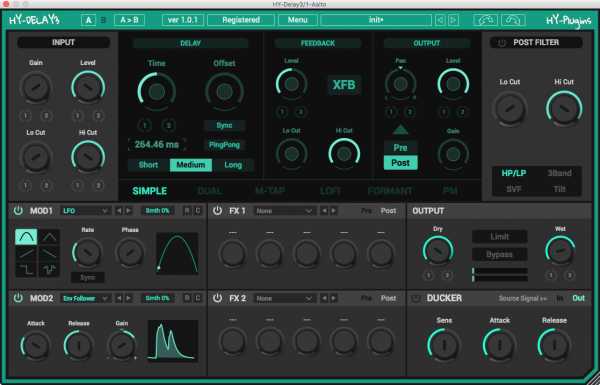
HY-Delay3 v1.1.2 WiN MAC
Team R2R | Jan 08 2018 | WiN: 6.9 MB | OSX: 5.5 MB
AU/VST/VST3/x86/x64
Viewed 10157 By Music Producers & DJ´s.


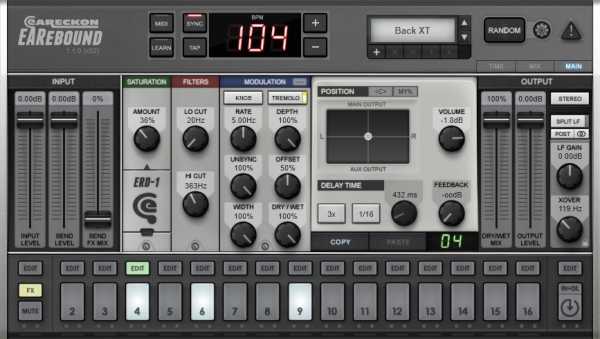
EARebound is a full-featured multi-delay plug-in which has been designed to meet a specific need : to quickly create rhythm lines from percussive sounds recorded in various environments (natural, urban, industrial, …). Recording these sounds, processing them through (carefully selected) effects in order to obtain multiple versions of them, loading and mapping them in a sampler, placing them in space, … takes a considerable amount of time and can be an obstacle to spontaneous creativity. In addition, even if we are satisfied with the results after hours of hard work, this rhythmic grail cannot be easily modified, as we would like, during live situations.
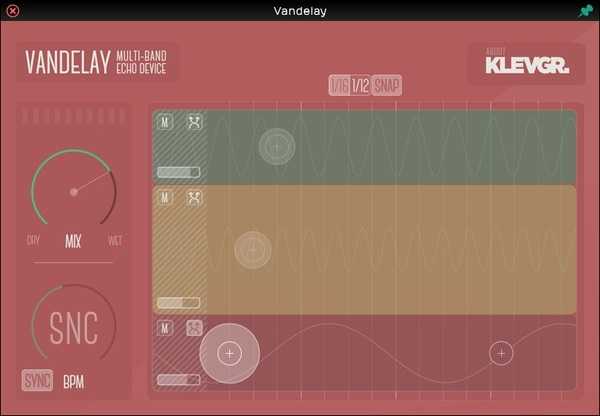
Vandelay provides three separate delays in as many frequency regions. Each delay has an LFO that modulates the pitch of the audio stream. Together with tempo based delay times and feedback control you can create a very rich sound from almost any source. Sporting a clever, responsive and intuitive user interface, Vandelay is easily controlled and you will almost certainly get the hang out of it in minutes!
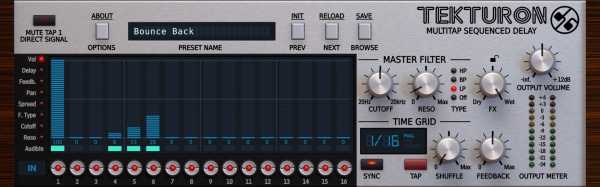
16 delay lines all arranged in a sequence to provide you, the creative producer, a level of inspiration and possibility simply unavailable with conventional delays.
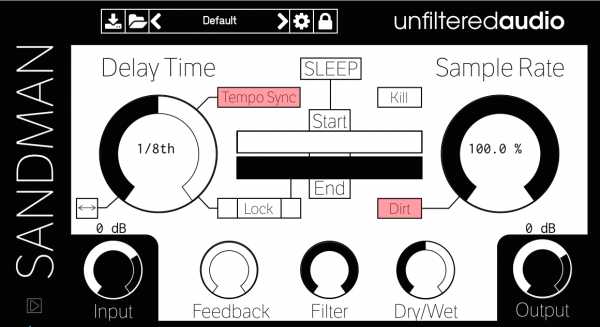
Sandman is far more than just a delay plugin; it’s a wormhole to the dreamtime states of your sounds. It’s a deceptively simple gateway to a microcosm of sonic dimensions bordering the absurd. It’s a new way to extract loops and grains from a sound that can be as close to or as far flung from the original, as you like. From the input of just a single sample, Sandman opens a Pandora’s box of endless sonic possibilities. At first glance, Sandman offers the most basic parameters found on a delay plugin – host synch-able Delay Time and ping-pong feedback, along with a wet/dry mix and a filter for good measure. Use these standard features for flanging, comb filtering, or adding string-like texture to percussive sounds. The Sample Rate parameter can add vintage grime or completely decimate a sound by directly lowering the sample rate of the DSP engine; an adjacent Dirt switch gives you the loving character of a lo-fi recording.
Are you interested in Music Production, Songwriting and Making Music on your computer? Well the Delay Effect is one of the most essential for Music Production, whether you want a tight and focused sound, or a big, wide and spacey production.
This 11-part video course takes you on an inspiring journey giving you new ideas and techniques for creating original sounds and effects using delay. If you think that delay is a pretty straight forward effect – think again! From a refresher on the basics through to really imaginative ways to apply delay using serial delay effects, spot delay and even resampling delay. This course is sure to change the way you approach delay as a sound design tool. Watch, Listen and Learn – our easy to follow video instruction shows you exactly how to use the software. 11 walkthrough videos each demonstrating creative ways to use Delay in your productions