🎵 MaGeSY® R-EVOLUTiON™⭐⭐⭐

  • Workflow Techniques with Ableton Push TUTORiAL

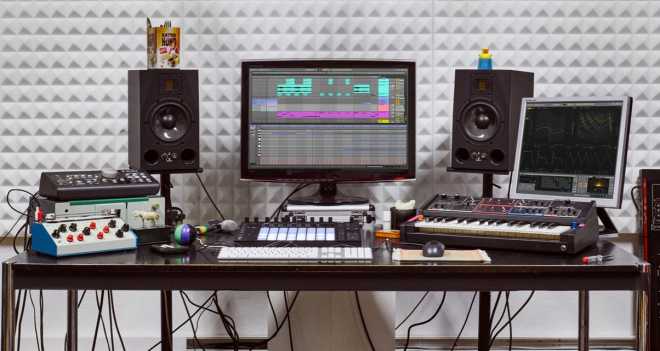
    Workflow Techniques with Ableton Push

    FANTASTiC | 11 May 2020 | 826 MB

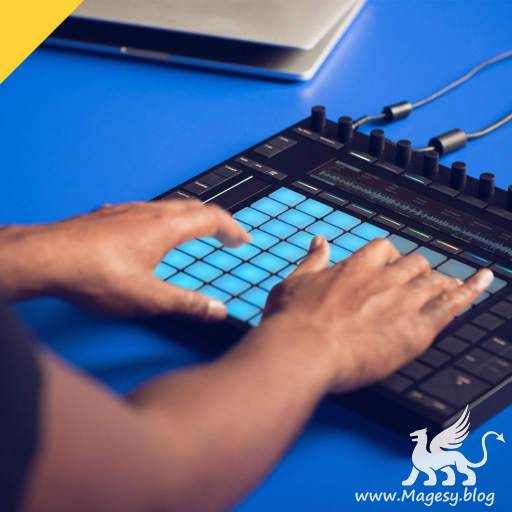
    Ableton’s powerful control surface for Live has transformed the way people use the software to create music, allowing rapid and tactile manipulation of sounds and instruments. This course explores a number of creative Push workflow ideas that begin in different ways but all result in the construction of original rhythmic or melodic parts. Kicking off with three groove modules, the tutorials show how various drum samples can be used as starting points, which go in their own totally unique directions, whilst a default synth preset is easily transformed into a versatile FX loop. The focus then moves onto melodic part creation, showing how to turn chord shapes into the foundations of a track, from which all harmonies and basslines can be made, and how to extract notes from a chord oneshot sample for resampling and sequencing. The last melodic module then teaches how to make vocoded sounds, before the course ends by showing all the ways in which a single sample can be shaped to make a wide range of both percussive and melodic sounds.


    Viewed 5596 By Music Producers & DJ´s.

  • image

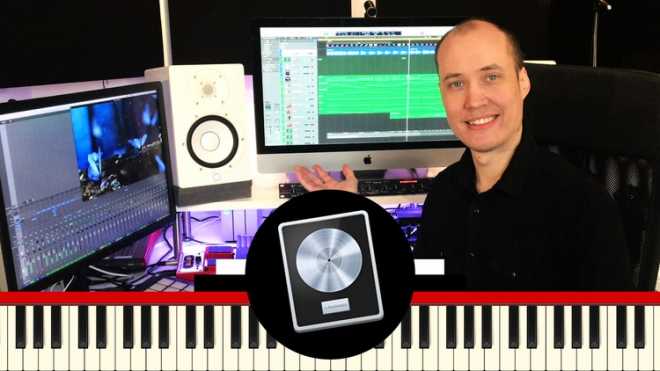
    Logic Pro X Workflow Guide

    FANTASTiC | 25 July 2018 | 754 MB

    ..:: Complete Course ::..

    In this Logic Pro X workflow guide, I will show you how to work up a nice and fast workflow when creating music productions. We will cover different topics such as how to create default templates to always start with your favourite sounds & presets from scratch, how to manage the piano roll, grouping tracks together or stretching audio files. There are a lot of different workflow tips & tricks covered in this course – which you can see all of the topics covered within the course curriculum. This course is created for the absolute beginner as well as advanced users who wants to expand their knowledge in music production within Logic Pro X. We are covering all of the techniques that the biggest music producers are currently are using as well as limiting ourselves to create music production with ONLY Logic’s stock plugins and free plugins – as well as working in the box.


    Viewed 5124 By Music Producers & DJ´s.


  • image

    Master your Music Production Workflow

    FANTASTiC | 10 July 2018 | 2.62 GB

    Professional Music Production in Logic Pro X

    Welcome to this course, and congratulations for choosing to master your workflow for Music Production in Logic Pro X. You will learn how to speed up your productivity and efficiency, and as a result give more room and energy to your creativity, your music…which is what is most important after all.


    Viewed 4783 By Music Producers & DJ´s.


  • image

    Ableton Workflow: Simple Recording/Mixing

    FANTASTiC | 04 July 2018 | 671 MB

    This short course demonstrates the process of recording a complete track using Push 2. The track is very simple, but it is useful for students who what to develop a workflow on Push that incorporates the technology while producing a piece of music that is actually using music theory principles.


    Viewed 5495 By Music Producers & DJ´s.


  • FL Studio Mixer Workflow TUTORiAL
    July 4th, 2018 ⚡
    Categories:

    image

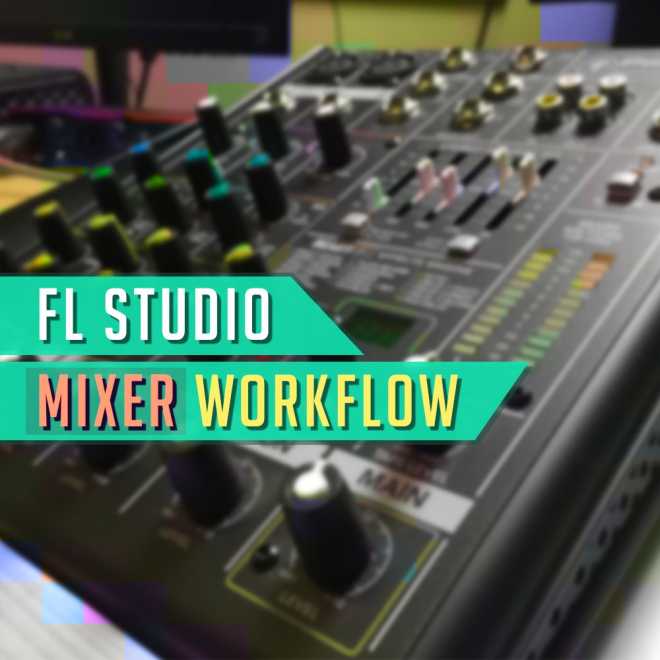
    FL Studio Mixer Workflow

    FANTASTiC | 03 July 2018 | 1.74 GB

    Hi! – I’m GratuiTous. I’ve been producing music on FL Studio since 2011 and have worked with a GRAMMY nominated recording artist. The mixer is a daunting tool for new producers just getting started in music production. So that’s my goal with this course – to break down the mixer in an easy-to-understand course. We start at the basics by comparing a real hardware mixer to FL Studio’s digital mixer and eventually work our way up to subgroups and complex routing with sends. A funny thing I’ll mention is when I first started mixing I typically liked my unmixed version better than my mixed version lol. If you’re just starting, too, then I’m sure you’ve experienced this. Mixing is something that will only come with time.


    Viewed 4465 By Music Producers & DJ´s.


  • Professional Workflow Secrets TUTORiAL
    January 30th, 2018 ⚡
    Categories:

    image

    Professional Workflow Secrets TUTORiAL

    ilfsn | 30.01.2018 | 1.95 GB

    1.7 Hours + MiDi Files

    Become an Efficient and Creative Music Composer

    Welcome, and congratulations for choosing to level up your productivity, creativity, and speed up your workflow when you compose music. You will learn all my best methods for unleashing your true creative powers. After this course you will have the power and knowledge to speed up your music making process.  Composing music is a noble craft. You create something that can not be seen or felt by your hands. And yet the instruments, sounds and notes of your music story, carry so much emotional power. But it is not an easy task to create a full music composition. It’s always tricky to start…but also to get from your first idea to a complete track. That is why you need a lot of tricks, and special methods in your composer toolkit.  Your mission as a composer is to turn your ideas into an engaging story. A story told with instruments and sounds. Because that’s what music is. A dynamic and compelling story of emotions. And you are the both the writer, and the director of this story.


    Viewed 4823 By Music Producers & DJ´s.


  • image

    Final Cut Pro X and Logic Pro X: 1 Audio Post Workflow TUTORiAL

    P2P | 31 August 2017 | 1.92 GB

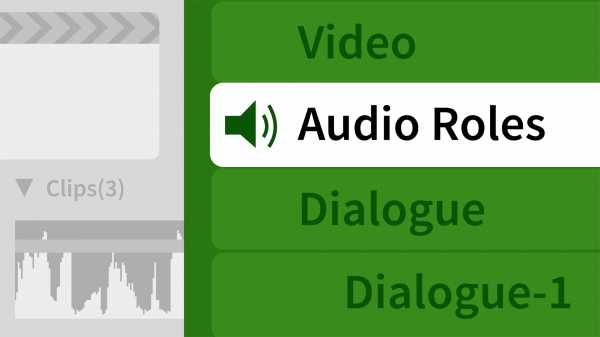
    In film, sound is a crucial part of good storytelling. A film’s audio carries the information, data, and plotline of a movie to its audience. Although Final Cut Pro X has wonderful sound editing tools, there are many advantages to using a dedicated digital audio workstation (DAW) for your final mix. In this course, video editing pro Michael Towe looks at using Logic Pro X for doing just this. He covers what steps to take in Final Cut Pro X to prepare your footage, as well as how to export your film to Logic Pro X, import and mix your soundtrack in Logic Pro X, and then import and re-sync your soundtrack in Final Cut Pro X. Upon wrapping up this course, you’ll be better equipped to enhance your final mix by leveraging the tools in a DAW.


    Viewed 4073 By Music Producers & DJ´s.


MaGeSY TeleGram Subscribe & Stay up to date with all the Posts that are published in MaGeSY MaGeSY Podcast: Subscribe & Stay up to date with all the Audio Posts that are published in MaGeSY MaGeSY Instagram Official MaGeSY-Youtube Official MaGeSY-X Official MaGeSY-Facebook Official MaGeSY-Pinterest Official MaGeSY-WhatsApp Channel Official

With Adblocker the page loads slower & avoid enhanced new search


ಮ್ಯಾಜೆಸ್ಯ್