JavaScript disabled

This website requires JavaScript to function properly.
Please enable it in your browser and reload the page.

Download Performer | MaGeSY ®™⭐
🎵 MaGeSY® R-EVOLUTiON™⭐⭐⭐

  • Performer v1.0.0 WiN MAC-R2R
    December 6th, 2022 ⚡
    Categories:

    Performer v1.0.0 WiN MAC-R2R

    Performer v1.0.0 WiN MAC

    Team R2R | 14 November 2022 | WiN: 7.14 MB | MAC: 15.1 MB

    .: AU, VSTi, STANDALONE, VST3 :.

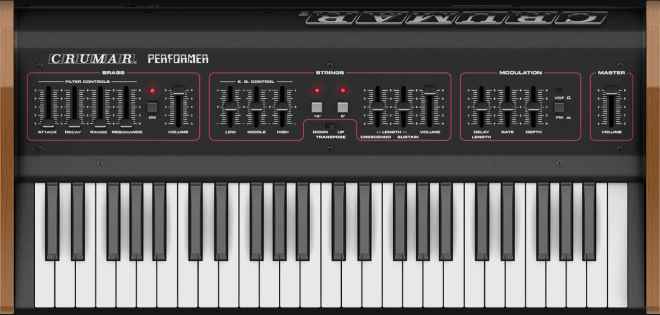
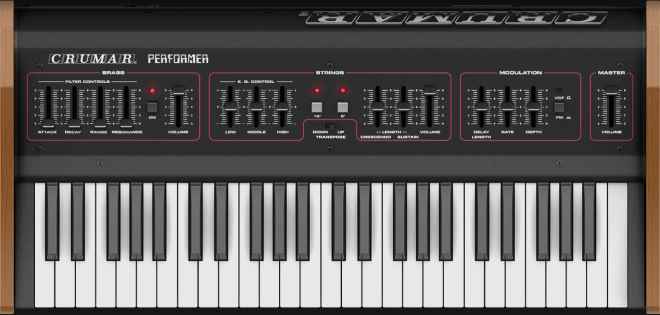
    Performer is a physical modeling simulation of the original vintage instrument.


    Viewed 7634 By Music Producers & DJ´s.

    Tags:

  • MOTU Digital Performer v10.13 WiN

    Digital Performer v10.13 WiN

    Hardcore311/KGN R2R | 05 April 2022 | 1.35 GB

    PLATFORM : WiN32/64

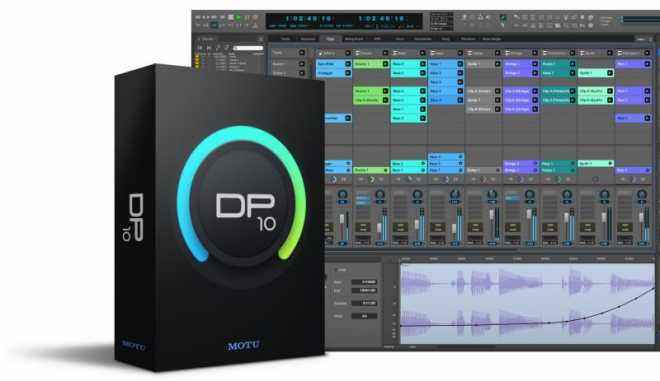
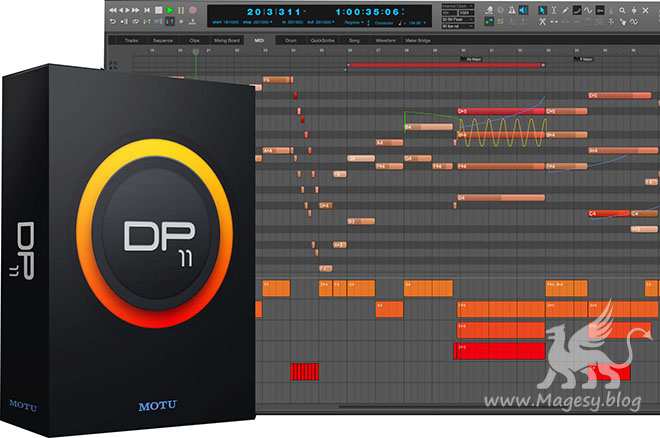
    Get inspired, then refine your mix — all in a singular workflow. Digital Performer 10 delivers inspirational features devised to ignite your creative muse, combined with state-of-the-art studio production technologies engineered for the most demanding, world-class recording and production environments. DP version 10 delivers exciting new features like the Clips window and Stretch Audio, plus hundreds of included virtual instruments and dozens of workflow enhancements requested by DP users.


    Viewed 18427 By Music Producers & DJ´s.


  • Digital Performer 10.1 Update Explained®
    June 30th, 2021 ⚡
    Categories:

    DP 10.1 Update Explained®

    FANTASTiC | 21 February 2020 | 96 MB

    DAW expert shows you everything you need to know about the new features and functions added to Digital Performer 10.1! These videos are designed for those already familiar with Digital Performer 10, and want to get up to speed with the new additions to version 10.1. Gary welcomes you and starts with the powerful new “Clips in Tracks” feature which allows you to now easily convert any Region in Digital Performer to a Clip in the Tracks Window. This opens up a whole new workflow making arranging more creative and fun. Next, you’ll discover the new icons and Ruler View for Memory Cycle and the Auto Record functions. Moving on, Gary shows you more cool new stuff added in DP 10.1, like how to Record to Clips, using the Clip Looping Tool, and how to export Stems out from your project, which is helpful when working with other musicians, composers, and producers. Throughout the rest of the videos you’ll learn even more about new 10.1 features like using the MIDI Velocity Tool, the Duplicate Command, Zooming updates, Coloring Chunks and the 23 new drum kits added to the Model12 virtual instrument included with Digital Performer, and more.


    Viewed 5892 By Music Producers & DJ´s.


  • Live Performer v1.0.1 AU macOS-HCiSO
    June 14th, 2021 ⚡
    Categories:

    Live Performer v1.0.1 AU macOS-HCiSO

    Live Performer v1.0.1 macOS

    HCiSO | 25 March 2021 | 3 MB

    Live Performer is a new Audio Unit Host for macOS designed for capture your music inspiration. It offers an always recording mode so you can improvise with your keyboards and all your midi events will be always recorded. Live Performer is also meant for play live, with a rack of 4 Audio Units and Low Latency support.


    Viewed 6784 By Music Producers & DJ´s.


  • image

    Digital Performer 10 TUTORiAL

    SYNTHiC4TE | July 31 2019 | 245 MB

    …::: Recording & Editing Audio Explained :::…

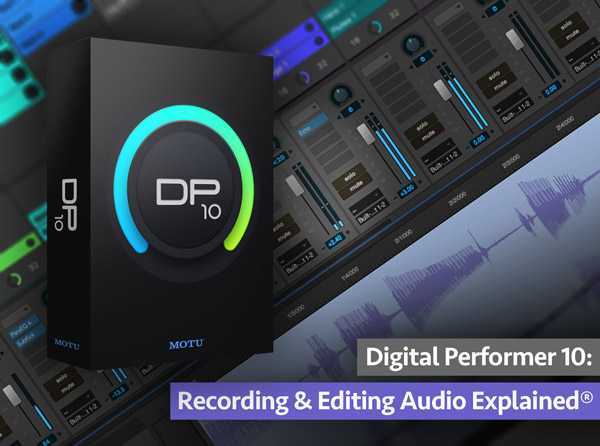
    Digital Performer videos on recording and editing audio! Learn the important basics plus more advanced techniques so you’ll be ready to record and edit anything that comes at you. These Digital Performer tutorials are for those just starting out with DP, as well as for more intermediate Digital Performer users. Gary starts with videos on setting up your audio system, using Bundles when routing, and the different audio tracks available and how to create them. Next, you’ll see how to set up your project tempo and create a click track so you can record in time, followed by how to import existing audio tracks into your project, and then record new tracks. Throughout the rest of the Digital Performer video tutorials, you’ll learn how to easily navigate through your tracks, use the different audio editing tools, keyboard shortcuts, recording to multiple tracks at once, punch-in recording, comping different takes into one perfect take, and using the waveform editor for surgical editing.


    Viewed 5956 By Music Producers & DJ´s.

MaGeSY TeleGram Subscribe & Stay up to date with all the Posts that are published in MaGeSY MaGeSY Podcast: Subscribe & Stay up to date with all the Audio Posts that are published in MaGeSY MaGeSY Instagram Official MaGeSY-Youtube Official MaGeSY-X Official MaGeSY-Facebook Official Social Networks:MaGeSY-Pinterest Official MaGeSY-WhatsApp Channel Official  MaGeSY-TiK-TOK Channel Official

1 2 3 Next

Total Posts: ❨ 🎵➡21 ❩ | Paged: ➡ 0


ಮ್ಯಾಜೆಸ್ಯ್