🎵 MaGeSY® R-EVOLUTiON™⭐⭐⭐

  • The Distortion Plugins LOGiC PRO X

    TEAM SYNTHiC4TE | 28.12.2016 | 184 MB

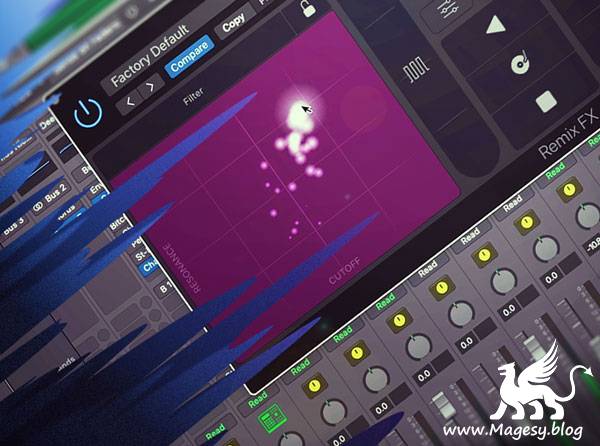
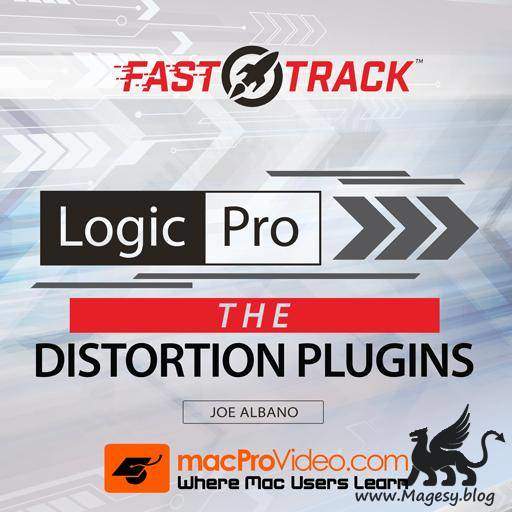
    Logic Pro X has a bunch of distortion plugins and it’s hard to know, at first glance, just what flavor of distortion they actually produce. No worries, Joe Albano is here to explain them all in this detailed, super-focussed FastTrack™ course! So what kind of distortion are you looking for? Clip? Overdrive? Saturation? Leslie? Bipolar? Transistor, FET, Fuzz, Bit Crushed, Phase? Do you really know what each of Logic’s distortion plugins produces? Well, you certainly will after watching this FastTrack™ course by legendary Logic Pro expert, Joe Albano.


    Viewed 3996 By Music Producers & DJ´s.


  • Logic Pro X: Mixing Electronic Music
    June 8th, 2021 ⚡
    Categories:

    Logic Pro X: Mixing Electronic Music

    Logic Pro X: Mixing Electronic Music

    SYNTHiC4TE | Oct 03 2020 | 878 MB

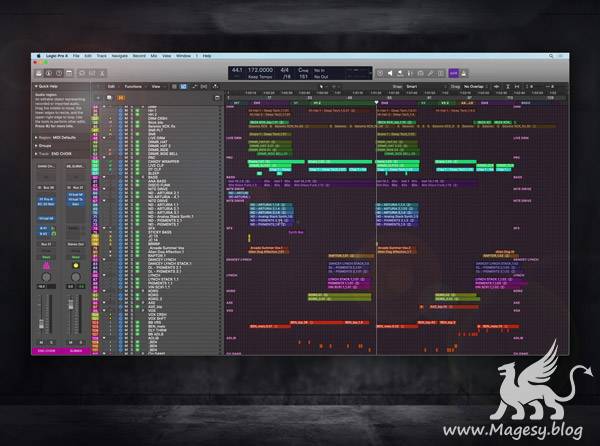
    Logic expert delivers comprehensive Logic Pro X 10.5 mixing video tutorials! Watch and see how to mix an entire electronic music track from scratch using only Logic Pro X 10.5, and its newly added features. These videos are for those who already know their way around Logic Pro X 10.5, but want to see it in action when mixing an electronic music production. The stems used in the videos are included via the course extras link so you can mix and follow along. To begin, Larry welcomes you and gives you a play-through of the track you’ll be mixing together, as well as how to prepare it for mixing. Then Larry reveals the important step of correctly setting the input levels to the plug-ins being used, to make sure they work appropriately and there is enough headroom to mix effectively. You’ll also see how to set the kick level and start balancing all the other elements of your track around that.


    Viewed 5788 By Music Producers & DJ´s.


  • Quantum for ALCHEMY (LOGiC PRO X)

    Quantum for ALCHEMY

    Team DECiBEL | 12 Apr 2020 | 1 MB

    (Industrial Preset Bank)

    Quantum is a collection of 50 cinematic-style industrial synth patches for Logic Pro X Alchemy. From aggressive sequences to edgy pads, sharp basses to delicately overdriven soundscapes, this patch collection will help you creating those dark, destructive scores. For fans of: The Girl With The Dragon Tattoo, Mr Robot.


    Viewed 6397 By Music Producers & DJ´s.


  • 100 Guitar Riffs AiFF WAV MiDi CST MAGESY

    100 Guitar Riffs AiFF WAV MiDi CST

    P2P | 22.11.2016 | 309.47 MB

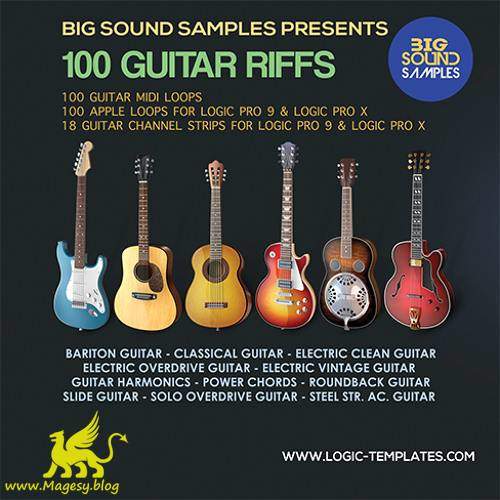
    ‘100 Guitar Riffs Apple Loops Sample Pack’ for Garageband and Logic 9 -10/X music production software. This all new collection of 100 Midi guitar loops,100 Apple Loops and 18 Guitar Channel Strips. Music Loops are included in this collection and formatted to change key and BPM. All loops will be visible in the Garageband or Logic 9/X loop browser. These 100 Guitar Riffs will inspire you to create some totally unique and interesting songs.


    Viewed 14385 By Music Producers & DJ´s.


  • Auto-Tune 7 AU macOS-MORiA
    June 6th, 2021 ⚡
    Categories:

    Auto-Tune 7 AU macOS-MORiA

    Auto-Tune 7 AU macOS

    MORiA | 07.11.2019 | 5.8 MB

    [MacOS Catalina ONLY]

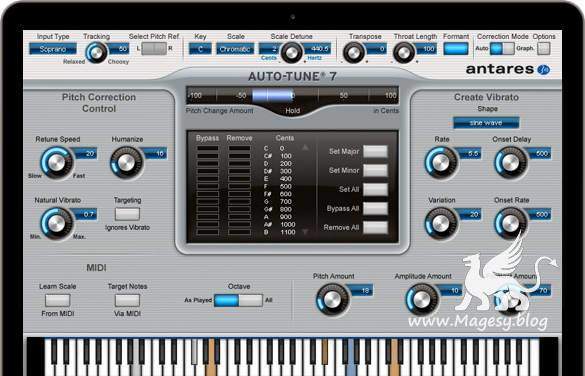
    Hailed at its introduction as a “holy grail of recording,” by Recording magazine (and adopted worldwide as the largest-selling audio plug-in of all time), Auto-Tune corrects intonation and timing problems in vocals or solo instruments, without distortion or artifacts, while preserving all of the expressive nuance of the original performance – with audio quality so pristine that the only difference between what goes in and what comes out is the intonation and timing. All with a user-interface that is a model of clarity, speed and ease-of-use.


    Viewed 52905 By Music Producers & DJ´s.


  • Logic Pro X Know-How Amp Designer TUTORiAL-SYNTHiC4TE

    Logic Pro X Know-How Amp Designer TUTORiAL

    SYNTHiC4TE | Nov 26 2016 | 316 MB

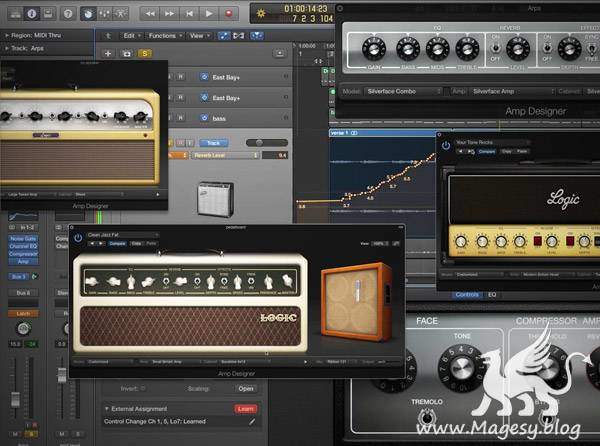
    Logic Pro X master Doug Zangar shows you how to rock Logic’s Amp Designer and squeeze every bit of delicious tone juice from the numerous amp models and FX available! Doug starts out with a comprehensive overview of amp Designer and what it can do, followed by setup and record tutorials for getting the best monitoring performance while tracking. Gain and Tone are now explored, and you’ll learn how to dial in your perfect sound, as well as discover all the great effects available in Amp Designer. Doug then covers Amp Designer’s speaker cabinets and microphones in detail, and even gives examples of what’s possible tone wise for distorted and clean lead tones and rhythm tracks. Wrapping it all up, Doug reveals creative uses for non-guitar sources and ways to use Automation and Smart Controls for even more sonic possibilities.


    Viewed 6865 By Music Producers & DJ´s.


  • Logic Pro X: Preparing to Mix EXPLAiNED
    June 6th, 2021 ⚡
    Categories:

    Logic Pro X Preparing to Mix EXPLAiNED

    Logic Pro X: Preparing to Mix

    HiDERA | 16 October 2020 | 307.19 MB

    Logic maven Chris Vandeviver delivers comprehensive Logic Pro video tutorials! Watch and learn everything you need to know to prepare your project for mixing, so you have the best Logic project environment and workflow, making it much easier to mix your music and get the best results. These videos are for those who are new to Logic Pro, but are familiar with its layout and have some prior experience using it. To begin, Chris welcomes you and goes over what you’ll be learning throughout the video series. He then starts at the beginning, demystifying some common pre-mix questions such as “what is the best recording level when recording into Logic”, and “what is double-tracking” and how it can add both width and power to your tracks. Then it’s onto good project management practices such as proper naming, icon usage, and creating and utilizing markers for easy arranging and navigation while mixing. Chris then goes over important individual track clean up and optimization tips with videos on the best ways to remove silence and dead space, apply fade ins, outs, and crossfades to ensure tight, seamless, click-free edits. You’ll also see how to identify between mono and stereo tracks, how to switch a mono track to stereo (and vice versa), and how to ensure you’re truly panning your stereo tracks while mixing.


    Viewed 5137 By Music Producers & DJ´s.


MaGeSY TeleGram Subscribe & Stay up to date with all the Posts that are published in MaGeSY MaGeSY Podcast: Subscribe & Stay up to date with all the Audio Posts that are published in MaGeSY MaGeSY Instagram Official MaGeSY-Youtube Official MaGeSY-X Official MaGeSY-Facebook Official MaGeSY-Pinterest Official MaGeSY-WhatsApp Channel Official

With Adblocker the page loads slower & avoid enhanced new search


ಮ್ಯಾಜೆಸ್ಯ್