🎵 MaGeSY® R-EVOLUTiON™⭐⭐⭐

  • Focusrite MixControl Explained TUTORiAL
    May 8th, 2015 ⚡
    Categories:

    image

    Focusrite MixControl Explained TUTORiAL

    SYNTHiC4TE | May 07 2015 | 249 MB

    MASTER YOUR MIXCONTROL

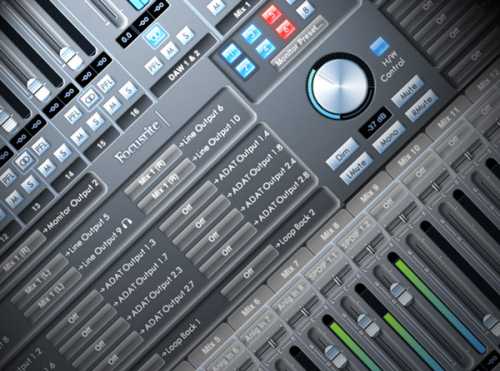
    The heart of Focurite’s line of audio interfaces is the MixControl software, and studio guru Todd Tatnall hits the bullseye with an in-depth 11 tutorial series that teaches you everything you need to know to get up and running and recording like a pro! Beginning with an Introduction and Installation instructions, Todd gets you oriented to the MixControl Sections in general, and then gets specific. Todd starts with the Device Status Section, and then spends the next 3 videos discussing the Mixer Section, its Input and Output channels, and How to Set Up Multiple Mixes.


    Viewed 4729 By Music Producers & DJ´s.

  • image

    Eventide H3000 Factory Explained TUTORiAL

    SYNTHiC4TE | May 02 2015 | 166 MB

    THE ULTIMATE EFFECTS FACTORY

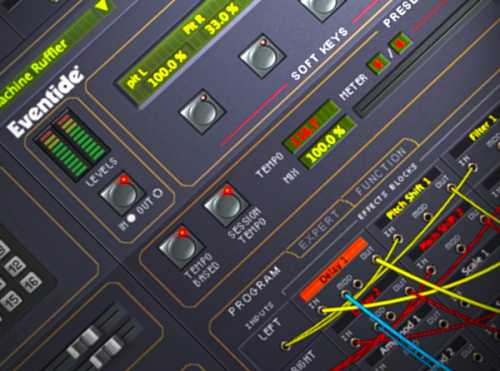
    Studio expert goes to work in the Eventide H3000 Factory, showing how Eventide took their Pitch, Delay, Modulation and Filtering algorithms from their legendary H3000 Harmonizer and packed them into a powerhouse plug-in! Begins with a discussion of the Modular and Customizable Design of the H3000 Factory’s User Interface. That leads into the different plug-in sections, starting with the Preset Bar and Front Panel. He then describes the various Preset Parameter Sub-Sections, which recreates the Master Parameters from the hardware.


    Viewed 23957 By Music Producers & DJ´s.


  • Ableton Push Explained TUTORiAL-SYNTHiC4TE
    April 27th, 2015 ⚡
    Categories:

    image

    Ableton Push Explained TUTORiAL

    SYNTHiC4TE | April 27 2015 | 474 MB

    PUSH IT REAL GOOD

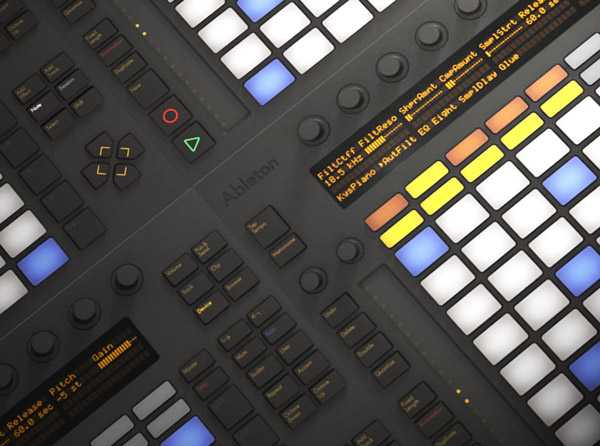
    Ableton Live is one of the most unique DAWs, and Ableton Push is an equally as unique instrument. Ableton Live guru shows you this incredible performance controller in detail, and how it can give your music a creative push! first introduces Ableton Push and shows you how to connect it to Live. He then dives right into the Browser and how to use Push to Record and Step Sequence Drums. But Push isn’t just a rhythm tool… Scottie now shows you how to Create, Record, and Step Sequence a Melody using Push. Moving on, you’ll see how you can Add Additional Instruments and Parts for your Song using Push. Once your idea is taking shape as a complete song, Scottie teaches you how to use Push to Mix, Add Effects, and Automation to your creation. With your masterpiece now complete, you’ll explore how to use Push as a Performance Instrument and associate everything you do with Push with the Live Software. If you just picked up Ableton Push or you’re an advanced user looking for more ways to use this powerful instrument, do some Push Ups and watch “Ableton Push Explained” today!


    Viewed 5054 By Music Producers & DJ´s.


  • UAD Vertigo Sound VSM-3 Explained TUTORiAL
    April 25th, 2015 ⚡
    Categories:

    image

    UAD Vertigo Sound VSM-3 Explained TUTORiAL

    SYNTHiC4TE | April 25 2015 | 318 MB

    THE CREATIVE COMPRESSION TOOL

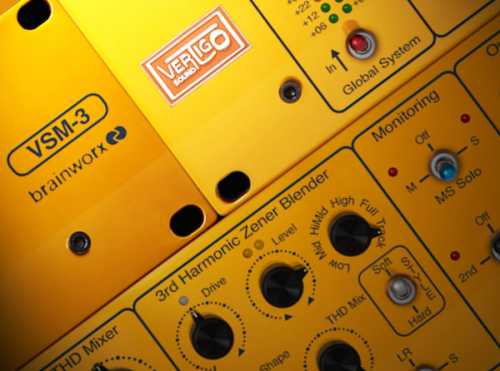
    No processor does quite what the Vertigo Sound VSM-2 can do except for the UAD Vertigo Sound VSM-3 plug-in emulation! UAD guru Brock Jon shows you how to get the most out of this powerful and creative Mixing and Mastering Tool in this in-depth series. Brock begins by explaining what the features of the original hardware are, and how Brainworx brought it, along with some additional goodies, to the UAD platform. From there Brock dives into a thorough explanation of the plug-in controls and parameters. Using the song “All Wars Start This Way” by The Hawthorne Effect recorded by Scott Fritz at Stranded on a Planet, Brock shows you how to apply the VSM-3 to Drum Tracks and the Drum Buss, Bass Guitar, Electric Guitar, Synth, Vocals, and the Master Buss. Whether you’re first exploring the VSM-3 or a mixing and mastering pro looking for some new techniques, watch “UAD Vertigo Sound VSM-3” today to get the most out of this unconventional processor!


    Viewed 7631 By Music Producers & DJ´s.


  • image

    UAD Summit Audio TLA-100A Explained TUTORiAL

    SYNTHiC4TE | April 25 2015 | 229 MB

    EVEN BETTER THAN THE CLASSIC

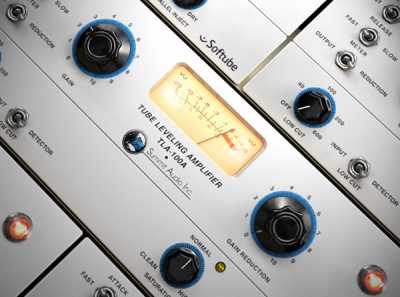
    Softube not only ported the classic Summit Audio TLA-100A compressor to the UAD platform, but they improved on it! UAD guru Brock Jon shows you exactly what they did, and how to make the most of it! Beginning with an overview of the Summit Audio TLA-100A, Brock explores each control of the plug-in, and explains the new features and functionalities. Next, Brock goes into practical applications of the Summit Audio TLA-100A using the song “Oak Island” by Dave Keats. You’ll then see how to apply the Summit Audio TLA-100A to Drums, Bass, Acoustic Guitars, and Vocals, as well as how to apply the TLA-100A to the Master Buss. If you’re already familiar with the UAD version and or the original hardware, and are looking for new techniques, watch “UAD Summit Audio TLA-100A Explained” today!


    Viewed 6789 By Music Producers & DJ´s.


  • UAD Lexicon 224 Explained TUTORiAL
    April 15th, 2015 ⚡
    Categories:

    image

    UAD Lexicon 224 Explained TUTORiAL

    SYNTHiC4TE | April 15 2015 | 255 MB

    BIG AND LUSH

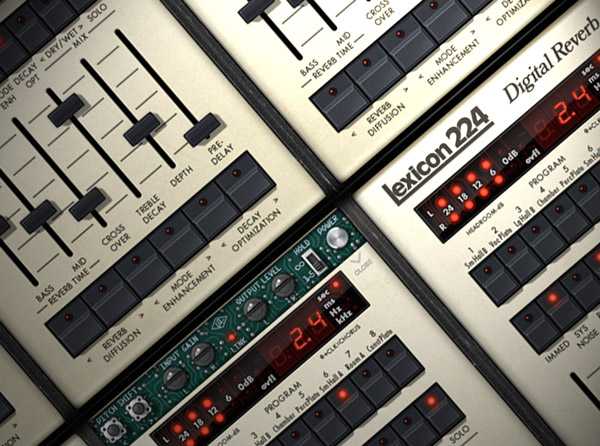
    Universal Audio has brought the legendary Lexicon 224 digital reverb to the UAD platform, and studio master B.Jon teaches you how to get the most out of this timeless, classic reverb emulation plug-in! Beginning with an overview of why the Lexicon 224 became so beloved in the late 70s and 80s, Brock gives you a complete overview of all it’s controls and quirks—including how the UAD plug-in version both models, and lets you defeat, some of the hardware unit’s famous bugs. The next videos offer in-depth looks on how to use the UAD Lexicon 224 on different types of tracks. Two videos show you how to use the Lexicon 224 on Drums, guiding you through getting any kind of sound from contemporary, tight reverb to a bigger, more lush reverb sound.


    Viewed 11956 By Music Producers & DJ´s.


  • Ozone 6.1 Explained TUTORiAL UPDATE
    April 12th, 2015 ⚡
    Categories:

    image

    Ozone 6.1 Explained TUTORiAL UPDATE

    SYNTHiC4TE | April 12 2015 | 1.18 GB

    THE CREATIVE MASTERING PLATFORM

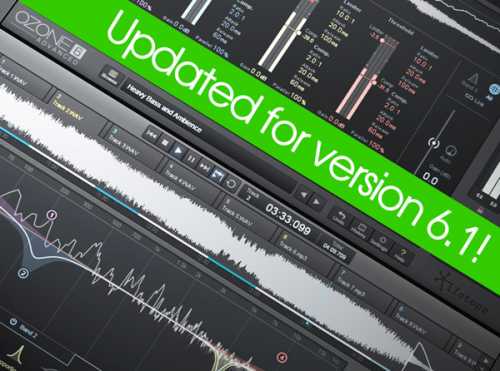
    The definitive Ozone 6 training series updated for v6.1! Mastering wiz Michael Costa returns with Ozone 6 Explained, covering the world-class Mastering software suite from iZotope in-depth, leaving no stone unturned. Learn these powerful sonic tools inside out, and make your next mastering job fun, creative and easy. Michael starts with an introduction and then gives you detailed videos covering the re-designed Ozone 6 User Interface, as well as the new Stand-Alone Version. Multi-Band Basics is then discussed showing you all you need to know to manipulate the multi-band features present in several of Ozone’s modules. Mid-Side Processing is then revealed and demonstrated, as well as I/O Options. Michael now breaks down all the individual Modules one by one, giving you full details and sonic examples for each, so you know exactly how to use them, and when.


    Viewed 5690 By Music Producers & DJ´s.


MaGeSY TeleGram Subscribe & Stay up to date with all the Posts that are published in MaGeSY MaGeSY Podcast: Subscribe & Stay up to date with all the Audio Posts that are published in MaGeSY MaGeSY Instagram Official MaGeSY-Youtube Official MaGeSY-X Official MaGeSY-Facebook Official MaGeSY-Pinterest Official MaGeSY-WhatsApp Channel Official

With Adblocker the page loads slower & avoid enhanced new search


ಮ್ಯಾಜೆಸ್ಯ್