Scene: Saffron KONTAKT
HiDERA | 14 March 2026 | 1.18 GB
Blendable cinematic textures in a simple, streamlined instrument.
Viewed 91156 By Music Producers & DJ´s.
Tags:


Blendable cinematic textures in a simple, streamlined instrument.
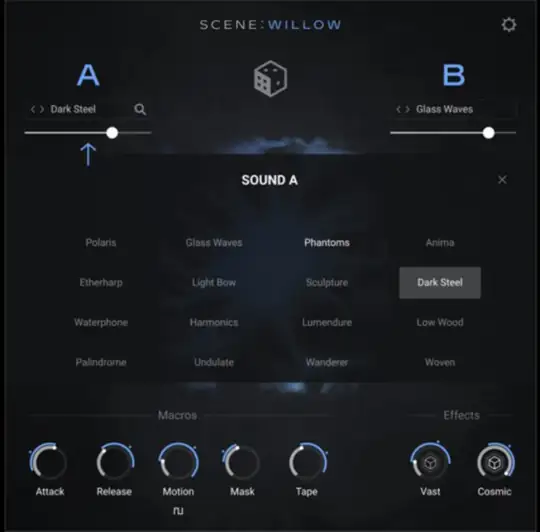
A streamlined cinematic instrument blending tuned | percussion, ethereal choirs, and frosted strings for haunting winter atmospheres.
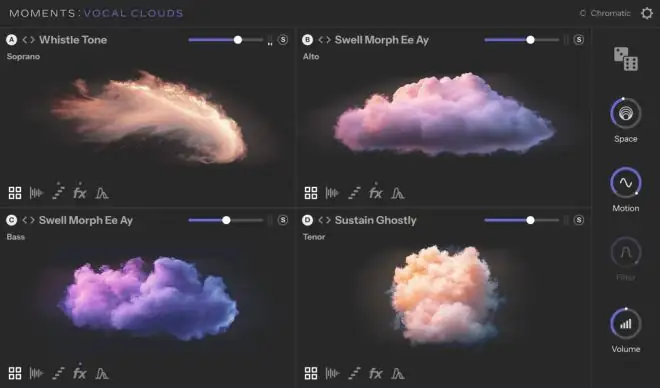
Build evolving vocal soundscapes from a single chord using four independent voice layers. Add motion, depth, and emotion with per-layer rhythm and intelligent randomization. Explore 80 presets or build your own from scratch

Looking for some fresh bass sounds for your next production? Why not design your own from scratch? In this Serum 2 video course, electronic music expert Thomas Cochran shows you how to do just that with Serum 2, the hybrid softsynth powerhouse from Xfer Records. You’ll not only learn how to create five different usable bass patches, but you’ll also gain a deeper understanding of Serum 2 and synthesis in general. These Serum 2 videos are designed for Serum 2 users looking to expand their sound palette in the bass realm. To start, Thomas shows how to build a vintage-sounding synthwave bass patch using the new Serum 2 wavetables and the sampler engine, demonstrating the powerful capabilities of each. This is followed by a plucked house bass sound, which Thomas creates by stacking multiple instances of the new warp modifiers – an enormous untapped resource in the sound design realm.
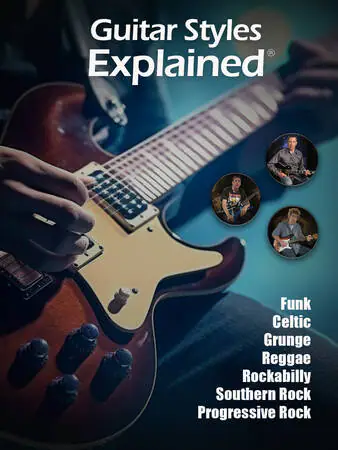
Ready to learn something new on guitar? Well, step right this way. In this video guitar lesson collection, you’ll get the lowdown on seven different styles, including tone/gear advice, chord voicings, scales, licks, riffs, and more. Whether you want to start making use of dropped tunings for a grunge sound, are curious how rockabilly players perform those flashy pull-off licks, or can’t quite get a grip on the reggae feel, it’s all here. The course kicks off with Celtic Guitar, in which you’ll learn about modal melodies, 6/8 time, jigs and reels, DADGAD tuning, and more. Then, in Funk Guitar, Tom Kolb will show you the must-know chord voicings and techniques of this energetic style, including skank lines, scratch rhythms, and syncopation, among others.
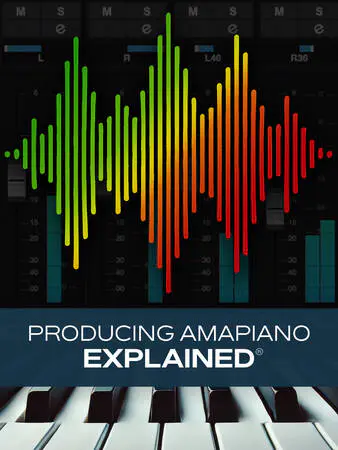
Join veteran Groove3 instructor Gary Hiebner for a comprehensive course on producing a song in the Amapiano subgenre. This popular style, which originated in South Africa in the 2010s, combines elements of deep house, jazz, kwaito, and more in a unique and compelling way. You’ll learn about all the conventions and elements commonly found in this style, including instrumentation, arrangement, processing, and mixing ideas. By the end of this Amapiano production course, you’ll be well on your way to creating your first Amapiano hit! Gary starts off with an overview of the Amapiano genre, including its common features and what all will be covered in this course. Then it’s off to the races, and Gary begins by focusing first on programming a kick pattern, designing the kick sound, and adding a hi-hat pattern and a shaker. Then he finishes establishing the core drum track by adding snare, claps, and rimshot, the latter of which features a counter rhythm to generate musical interest.
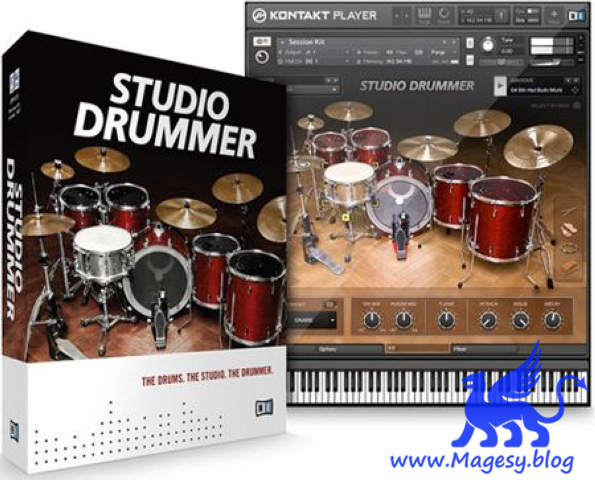
STUDIO DRUMMER is the perfect realization of a drummer in software, with everything you need to create realistic acoustic drum tracks — top-of-the-line drum kits, detailed mixing options, and a ready-to-go groove library, packed with authentic beats of all colors and flavors.It’s much more than state-of-the-art sampled drums. Thanks to more than 3,300 authentic grooves, STUDIO DRUMMER makes it easy for anyone to produce lifelike, dynamic drum tracks. And the on-board mixer and powerful effects deliver enough usability, versatility and tweakability to meet the demands of eclectic modern producers.







