JavaScript disabled

This website requires JavaScript to function properly.
Please enable it in your browser and reload the page.

Download TUTORiALS | MaGeSY ®™⭐
🎵 MaGeSY® R-EVOLUTiON™⭐⭐⭐

  • image

    Loop Based Production Explained®

    SYNTHiC4TE | Dec 27 2019 | 457 MB

    Studio guru delivers a loop based production video tutorial series! If you’re new to producing with loops, Kenny will show you how to produce a full track from scratch using only loops and basic DAW plug-ins. The loops used in the videos are also included so you can follow along with your DAW. This series is perfect for those who are just starting out producing beats and tracks. Kenny welcomes you and then plays the track you’ll be producing together, followed by how to expand the included .zip file, readying your DAW for importing loops, and setting the main song tempo. Then it’s onto the first loop, which is a piano loop, where Kenny uses elastic audio to make the loops match to the song’s tempo, with the highest quality sound possible. Kenny is using Pro Tools for this series, but many other DAWs have similar ways to stretch, warp and adjust loops as well, so you can apply what Kenny shows you to your DAW. Next, you’ll see how to add a variety of loops such as kick drums, claps, hi-hats, tambourine, shaker, synths, bass and more, so that they all work together rhythmically and melodically, creating a solid groove for your song. After the loops are all in place, Kenny jumps over to the mixing side of things and shows you how to EQ and Compress the loops to tighten them up more, and make them sound their best.


    Viewed 4930 By Music Producers & DJ´s.

  • image

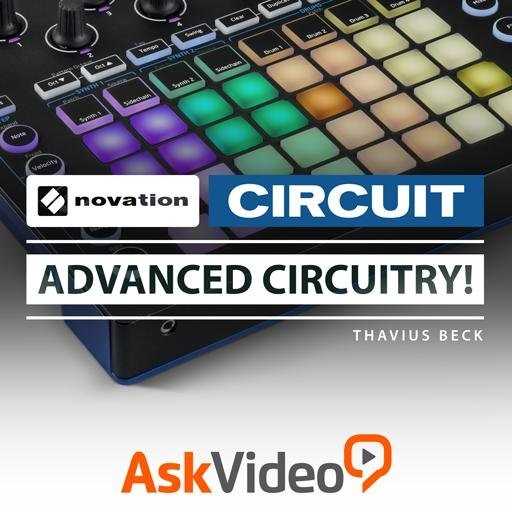
    Novation Circuit Advanced Circuitry TUTORiAL

    SYNTHiC4TE | August 09 2016 | 328 MB

    Now that you know your way around Novation Circuit, it’s time to get into some Advanced Circuitry! Dive deeper into Circuit as Thavius Beck expertly shares his electronic music knowledge in this 20-tutorial course. Start out your Circuit enlightenment with a section on audio and MIDI recording. Here’s where you see how Circuit interacts with your audio interface and your DAW. You soon learn how to build and record effective drum and synth parts! Next, is an extensive section where Thavius explains how to use Circuit as a MIDI controller. This is where you see how to set up scales, edit velocities, drums, synth parts and map the macro knobs to do some serious sequencing!


    Viewed 5440 By Music Producers & DJ´s.


  • Social Media Marketing 2020 TUTORiAL
    July 2nd, 2021 ⚡
    Categories:

    Social Media Marketing 2020 TUTORiAL

    Social Media Marketing 2020

    P2P | 25 June 2020 | 2.94 GB

    Courses 2020 / Musicians Edition

    The course is the ultimate social media marketing course. You will learn how to create a professional Facebook business page, set up Facebook Ads from start to finish, setting up and using Instagram Ads as well as using the Instagram platform effectively with useful free tools which have be tried and tested. Social media marketing is such an essential and powerful tool in 2020 that we all need to learn and understand how to use to benefit in our life and career development. You will also be taught how to set up a useful YouTube Channel, upload videos to YouTube using the correct keywords and take your channel to the next level. In the course we have used musicians as our case study but the tools and strategies adopted are for everyone using Social media marketing so it applies to your brand and business. Gaining new clients for your business, building a brand for your social media or attract new listeners as a Musician is arguably the biggest challenges when you are just starting out.


    Viewed 8162 By Music Producers & DJ´s.


  • How To Mix Using Neutron 3 TUTORiAL
    July 2nd, 2021 ⚡
    Categories:

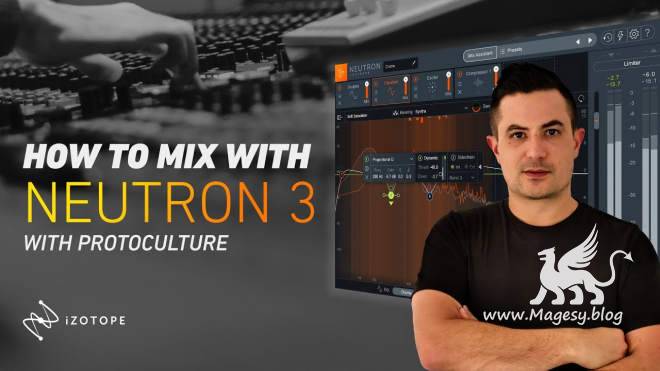
    How To Mix Using Neutron 3 TUTORiAL

    How To Mix Using Neutron 3

    HiDERA | 26 June 2020 | 2.0 GB

    Nate’s back with us again and this time he’s checking out incredible AI-enhanced mixing suite Neutron 3. This clever package promises to speed up your workflow when it comes to the task of mixing down your tracks and with a host of improved features, excellent performance and easy-to-use tools, Neutron 3 is clearly amazing value to help get the job done. Over the next 2 hours, Protoculture takes us through a detailed overview of the software including all of the different modules available along with the three additional plugins showcasing how Neutron 3 can enhance your sounds. He then finishes off with a practical mixdown of a track showing how effective this plugin can be. With it’s silky smooth GUI and visual representations Neutron 3 is definitely a hit when it comes to mixing. Check it out!


    Viewed 5451 By Music Producers & DJ´s.


  • SynthMaster One Explained®
    July 2nd, 2021 ⚡
    Categories:

    SynthMaster One Explained®

    SynthMaster One Explained®

    SYNTHiC4TE | June 26 2020 | 352 MB

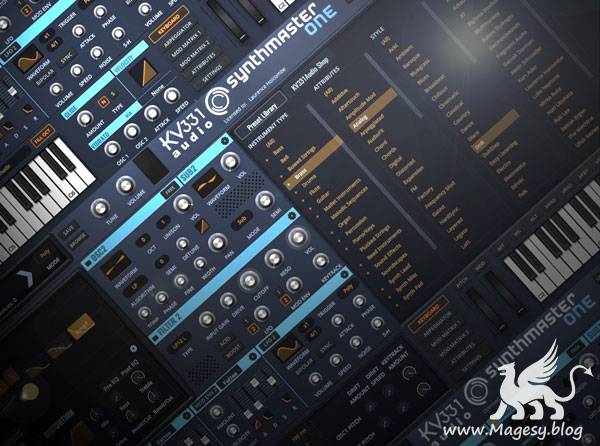
    Synth wiz SynthMaster One tutorials! Explore this in-depth video manual awesome SynthMaster One virtual synth plug-in, and learn all of its features and functions, including how to use them to create killer synth sounds. These videos are designed for new SynthMaster One users. Larry welcomes you and gives an in-depth introduction to SynthMaster One including its basic layout, architecture and user interface, plus helpful preset management info. Then it’s on to SynthMaster One’s powerful oscillators and all of their available types, including Sync, Pulse Width and Bit Crush algorithms that make for endless sonic possibilities. Throughout the video series you’ll learn how to import your own waveforms, use the different Filters and Filter Routing options, Envelopes, Modulation, LFOs, Mod Matrix, the powerful Arpeggiator and Sequencer, full featured Effects, amazing Vocoder and more. You even get videos showing you how to do sound design and make fat analog sounding kick drums, white noise snare sounds, and a cool 16th note accented arpeggio sound with evolving wavetables, phaser and reverb, all from scratch.


    Viewed 7328 By Music Producers & DJ´s.


  • image

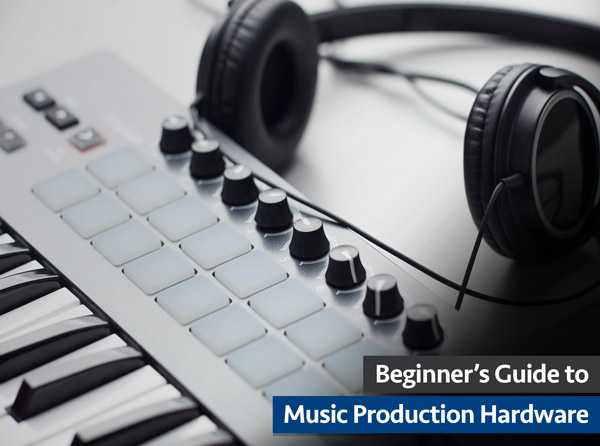
    Music Production Hardware

    P2P | 29 December 2019 | 2.1 GB

    27 Videos | Length: 1hr 29min 36sec

    In-depth video series for those just getting into making music and the endless options for studio gear. Save endless hours of research trying to find answers to the most basic questions, when setting up your first studio and all the gear that goes with it! Adam begins by welcoming you and then tackles the not so easy question of “What do you need to make music?”. He then hits the floor running and covers MIDI Controllers, Audio Interfaces, using a Sub Speaker, Open vs Closed Back Headphones, External Metering and how to customize your recording gear. Next you’ll explore topics like how to Protect & Transport Your Gear, Keeping Your Setup Simple and Why, the differences between Balanced and Unbalanced Cables, should you really treat your room with Acoustical Material, is gear insurance a good idea and how much, buying what you love for inspiration and much much more. See the individual tutorial descriptions for more info. If you want to get started making music and have no idea what’s involved, or the type of gear you should invest in, this series will save you countless time and frustration… Watch “Beginner’s Guide to Music Production Hardware” today.


    Viewed 4300 By Music Producers & DJ´s.


MaGeSY TeleGram Subscribe & Stay up to date with all the Posts that are published in MaGeSY MaGeSY Podcast: Subscribe & Stay up to date with all the Audio Posts that are published in MaGeSY MaGeSY Instagram Official MaGeSY-Youtube Official MaGeSY-X Official MaGeSY-Facebook Official Social Networks:MaGeSY-Pinterest Official MaGeSY-WhatsApp Channel Official  MaGeSY-TiK-TOK Channel Official

Total Posts: ❨ 🎵➡5198 ❩ | Paged: ➡ 248


ಮ್ಯಾಜೆಸ್ಯ್