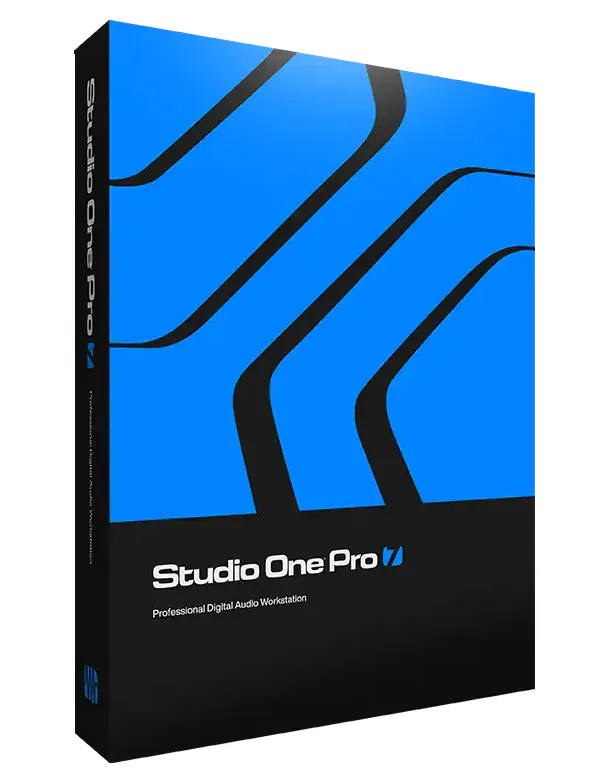
Studio One Pro 7 MAC
JUAN | 30 October 2024 | 333.59 MB
Studio One Pro 7 is coming soon, along with exciting improvements for all Studio One products.
Viewed 92830 By Music Producers & DJ´s.
Tags:


Studio One Pro 7 is coming soon, along with exciting improvements for all Studio One products.
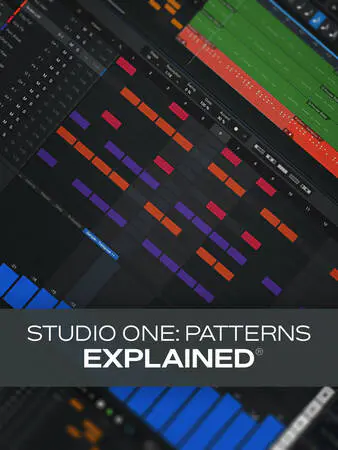
If you work with electronic drums in Studio One but don’t use the Patterns feature, you’re missing out on a whole world of useful features that can make your drum beats way better and your life easier! In this Studio One video course, Eli Krantzberg, Studio One guru, will take you on a deep dive into the world of Patterns in S1, showing you how they work, what you can do with them, and how they can improve your workflow, creativity, and efficiency when creating drum tracks. These Studio One videos are designed for new Patterns users.
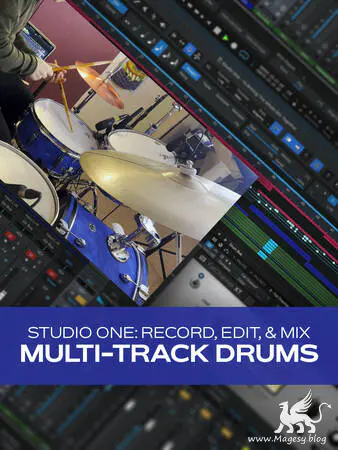
If you’re a Studio One user wanting to learn how to record real live drums like a pro, this is the Studio One video course for you. S1 expert Eli Krantzberg takes you step-by-step through the process of recording, editing, and mixing a drum kit from start to finish. You’ll learn tips about each step along the way, including processing, editing, and more. Drums are notoriously difficult to record in a home studio; with this S1 course, you’ll learn everything you need to know to get a great sound in your own studio with Studio One! These Studio One videos are for users with a basic familiarity with Studio One. Eli begins the course by showcasing the mics he’ll use for the recording session: the Presonus DM-7 Drum Microphone Set, which includes a kick drum mic, two small-diaphragm condensers for overheads, and four dynamic mics for snare and toms. You’ll then hear a before-and-after sample of the track used in this series that compares the raw, unprocessed drums with the final, fully mixed ones, so you’ll have an idea of what we’re aiming for. Then Eli shows you how to set up the input/output routing in Studio One so that you’ll be ready to go when it comes time to record.
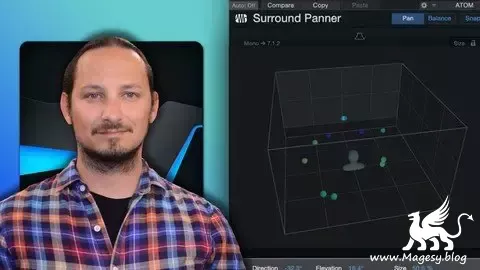
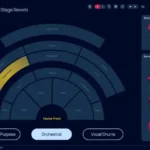
Do you know how to use the new Dolby Atmos Integration in Studio One? You can really transform your stereo mixes, by converting them to Dolby spatial audio mixes in Studio One, and hear the benefits of the 3D space with the extra speaker channels. And you can even do with with a set of stereo headphones! using the Binaural Mix mode within the Dolby Renderer. In this course you will see how you can move from the stereo mix to a spatial audio ATMOS mix, and hear the extra depth with the audio field. And you will feel more immersed in the environment and mix. Plus, you will understand all the new terminology like objects, beds, and renderers and outputs. Dolby ATMOS is an exciting new area to explore with your music productions, and now with the Dolby ATMOS Rendered integration in Studio One, you can take full control of the New audio environment and learn how to mix to multichannel audio outputs. And how you can use these extra speakers to add extra depth to your mixes and listening experience.
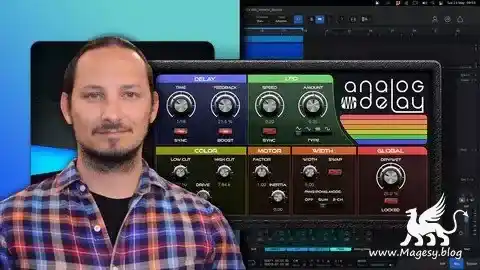
How to Use the Delay in Studio One? “Yo, just drag and drop the delay plugin onto your track and play around with the settings until you find the sound you’re diggin’. It’s pretty intuitive once you get the hang of it. Happy mixin’!” To use the delay in Studio One, first insert the Delay plug-in onto a track in your mix. Then, adjust the Delay Time and Feedback settings to create the desired delay effect. You can also experiment with the Wet/Dry mix to control the amount of the effect applied to the track. Additionally, try using the Filter controls to further shape the delay sound. With some practice and experimentation, you can achieve a wide range of delay effects in Studio One. Learn how to use the Delays in Studio One to improve your Music Productions. Do you know how Delays work and how they can IMPROVE your Mix?…
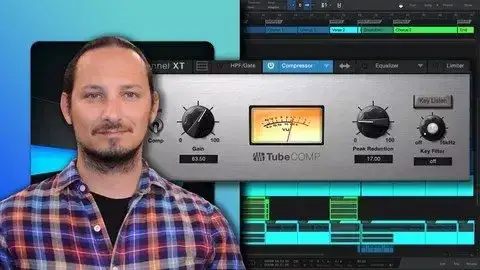
I gotta admit that it took me a long while to realise how compressors work in music production and how they can really transform your mixes and make them more punchy, and alive. Not only do they help control the dynamics in a mix. But they can also color the mix in a pleasing way and take your mixes to the next level. In this course I will go through how compressors work. And more importantly how the stock compressors work in Studio One. As it comes will a big collection of compressors. And once you learn how each one works, you will know how to apply them in your mix. And this will help you take your songs and productions to the next level! Definitely don’t underestimate the power of the stock compressors in Studio One. They can pack a mean punch! So, if sounds like something interesting that you want to learn, then this is the perfect course for you!
Learn how to Create, Record, Edit, Mix and Master in Studio One. Studio One is a powerful Digital Audio Workstation (DAW) that allows musicians, producers, and engineers to create, record, mix, and master high-quality music. A Studio One course is designed to teach students how to use this software to its full potential.The course will likely start with an overview of the Studio One interface, tools, and features. Students will learn how to navigate the software and set up their workspace to suit their workflow. The instructor may also cover basic music theory concepts to help students understand how to create melodies, harmonies, and rhythms.Once students have a solid understanding of the software’s interface, the course will move on to more advanced topics such as recording and editing audio and MIDI tracks. Students will learn how to use the software to record live instruments and vocals, as well as how to program MIDI tracks using virtual instruments and drum machines. The instructor will cover editing techniques such as slicing, quantizing, and comping to help students create polished recordings.The course will also cover mixing techniques, such as EQ, compression, and reverb, as well as how to use automation to create dynamic mixes.
Total Posts: ❨ 🎵➡109 ❩ | Paged: ➡ 3