🎵 MaGeSY® R-EVOLUTiON™⭐⭐⭐

  • image

    G3 Pro Tools,  Reason  and More Tutorials Recopilation

    P2P | 19.09.2015 | 7.11 GB

    14 Tutorials Packs

    G3 is the leader in online tutorial videos dedicated to the audio community. From beginners to professionals, we’ve got your back with over 1000 hours of quality content.


    Viewed 4685 By Music Producers & DJ´s.

  • Pro Tools 8 Jump Start TUTORiAL
    September 18th, 2015 ⚡
    Categories:

    image

    Pro Tools 8 Jump Start TUTORiAL

    P2P | Jan 12, 2011 | 129.25 MB

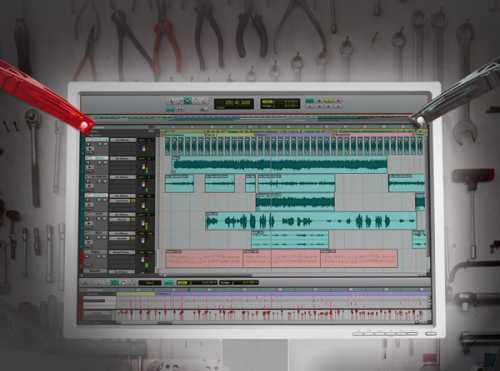
    Presented by Pro Tools 8 power user Antony Livoti, this “direct to the point” series will teach you how to create and set up sessions, use virtual instruments, record and edit audio and MIDI, basic routing and mixing techniques, make files for CD and MP3 players and more, in less than an hour. This series is for new Pro Tools users who just want to get right to it, and not learn every little feature and function, but instead use Pro Tools to record and make music fast. Get your Jump Start on Pro Tools 8 today…


    Viewed 3661 By Music Producers & DJ´s.


  • Pro Tools SE Jump Start TUTORiAL
    September 18th, 2015 ⚡
    Categories:

    image

    Pro Tools SE Jump Start TUTORiAL

    P2P | 2012 | 100 MB

    Watch Pro Tools master Russ Hughes show you the necessities of Pro Tools SE in under an hour. Russ starts at the beginning with opening and saving a session, then goes into recording and editing audio, using virtual instruments, built-in effects and exporting your masterpiece for CD and the internet. If you’re just getting started with Pro Tools SE, this will eliminate all of your beginning frustration as this info is the backbone of using Pro Tools SE. Get “Pro Tools SE Jump Start” today!


    Viewed 4480 By Music Producers & DJ´s.


  • Whats New in Pro Tools 10 TUTORiAL
    September 18th, 2015 ⚡
    Categories:

    image

    Whats New in Pro Tools 10 TUTORiAL

    P2P | 2011 | 321 MB

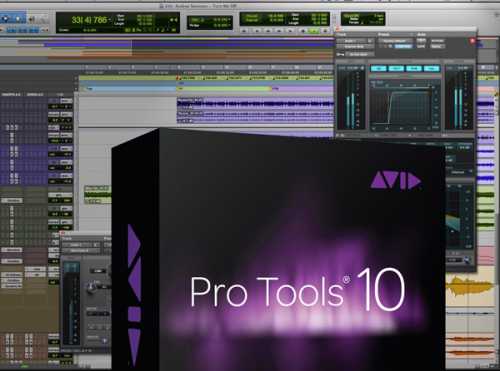
    Pro Tools 10 is chock-full of new features and functions that will dramatically speed up your workflow and production time. Pro Tools guru Michael Costa takes you step-by-step through each new feature and function, in-depth, leaving no stone unturned. Michael covers topics such as the new specs, menu name changes, Clip Based Gain, new export options, new supported file types and bit depths, iTunes & SoundCloud support, Clips Groups and Disk Cache Enhancements. He then goes deeper into all the new AudioSuite features, Bus Interrogation, the new AAX plug-in format, Channel Strip plug-in, visual mixing features and more! If you need to know what’s new in Pro Tools 10, this is the video series for you.


    Viewed 8742 By Music Producers & DJ´s.


  • Pro Tools Express Jump Start TUTORiAL
    September 18th, 2015 ⚡
    Categories:

    image

    Pro Tools Express Jump Start TUTORiAL

    P2P | 2012 | 206 MB

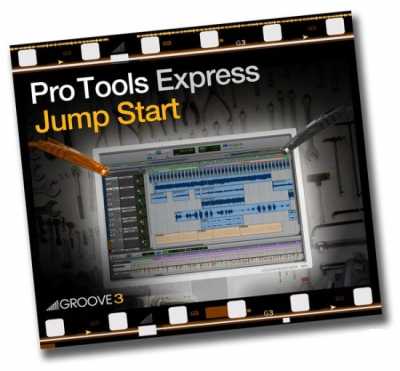
    New to Pro Tools Express? Fear not, Pro Tools master Russ Hughes has you covered in this awesome jump start series focused on Pro Tools Express. Russ starts at the beginning with opening and saving a session, then goes into using loops, recording and editing audio, using virtual instruments, built-in effects and exporting your masterpiece for CD and the internet. If you want to know the basics of Pro Tools Express and be able to record, edit and share your song with the world, watch “Pro Tools Express Jump Start” today!


    Viewed 4502 By Music Producers & DJ´s.


  • image

    Switching from Pro Tools to Studio One 3 TUTORiAL

    SYNTHiC4TE | August 17 2015 | 230 MB

    LOOK BEFORE YOU LEAP

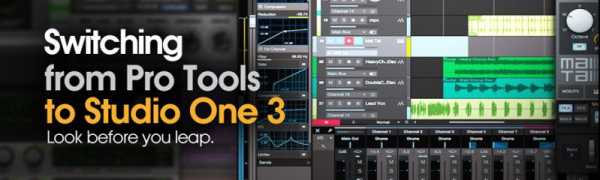
    Studio One 3 is hot, fully featured, and getting a ton of buzz. If you’re a Pro Tools user who’s thinking of making the switch to Studio One 3, Pro Tools guru shows you what you’ll need to know to get up and running, as well as convert your Pro Tools mind into the ways of Studio One 3. Starts with the basics, explaining How to work with the Start Page and do your Basic Setup. From there, he explores differences in the way Audio Tracks, Monitoring, and Recording are handled. Next, helps you understand how to use Studio One 3’s powerful Instrument Tracks. With the basics covered, Eli now takes you into more advanced topics, like how Studio One 3 differs from Pro Tools with regard to Zooming, Editing, and working with Effects. The final three videos all dive into Mixing in Studio One 3 vs. Pro Tools, with a separate video on the Console, Sends and Effects Channels, and Busses and Bouncing.


    Viewed 4875 By Music Producers & DJ´s.


  • Beginner’s Guide to Pro Tools TUTORiAL
    August 6th, 2015 ⚡
    Categories:

    image

    Beginner’s Guide to Pro Tools TUTORiAL

    P2P | August 06 2015 | 505 MB

    In this tutorial, we’ll look at the steps required to navigate seamlessly between the editor tools and mixing environment. We’ll start with the basics of organization, file management and dive deep into bus routing for mixing with plugins. By the end of this Pro Tools training, you’ll have a solid understanding of how to use Pro Tools for your own projects. Software required: Pro Tools HD 11.3.1, OSX 10.9.5.


    Viewed 4915 By Music Producers & DJ´s.


MaGeSY TeleGram Subscribe & Stay up to date with all the Posts that are published in MaGeSY MaGeSY Podcast: Subscribe & Stay up to date with all the Audio Posts that are published in MaGeSY MaGeSY Instagram Official MaGeSY-Youtube Official MaGeSY-X Official MaGeSY-Facebook Official MaGeSY-Pinterest Official MaGeSY-WhatsApp Channel Official

With Adblocker the page loads slower & avoid enhanced new search


ಮ್ಯಾಜೆಸ್ಯ್