🎵 MaGeSY® R-EVOLUTiON™⭐⭐⭐

  • DrumNet Explained TUTORiAL-HiDERA
    March 27th, 2026 ⚡
    Categories:

    DrumNet Explained TUTORiAL-HiDERA-MaGeSY

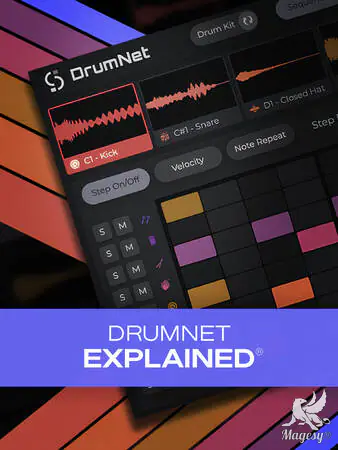
    DrumNet Explained®

    HiDERA | 28 March 2025 | 68 MB

    If you’re wondering what AI can do for drum sampling, wait no more. In this DrumNet video tutorial course, production expert Larry Holcombe will walk you through DrumNet, the AI-powered drum machine from Session Loops that could revolutionize the way you build beats for good! From adding built-in sounds and programming a beat with the sequencer to creating your own custom samples, everything is covered in detail, so you’ll be thoroughly familiar with the instrument and ready to start using it on your very next production. These DrumNet videos are designed for new DrumNet users. To kick things off, Larry welcomes you and provides an overview of DrumNet’s interface, so you can immediately get your bearings and feel familiar as we move through the course. He then covers the Drum Kit view and shows how to add drum sounds – from the built-in collection or your own custom sounds – and generate your own samples based on these sounds, which can then easily be modified further (if desired) with a number of parameters, such as pitch, filters, etc.


    Viewed 30844 By Music Producers & DJ´s.

  • Mixing Secrets Explained Vol.1 TUTORiAL-HiDERA-MaGeSY

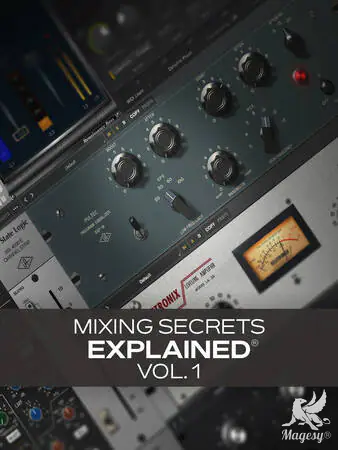
    Mixing Secrets Explained®

    HiDERA | 28 March 2025 | 294 MB

    If you’re feeling a bit bogged down with your workflow and/or aren’t happy with the results you’re getting with your mixes, then we have the mixing video course for you. In this video tutorial mixing course, mix wiz Thomas Cochran will show you several ways of mixing smarter, quicker, and more effectively. Whether it’s using combinations of plug-ins in the place of one to more successfully accomplish a goal, using one plug-in (such as a channel strip) to accomplish the tasks of several, or dealing with unwanted resonances, there’s a lot here for everyone. These mix videos are designed for intermediate-level recordists and mixers looking for tips on how to improve their results and process. Thomas begins the course by showing you a fast, tried-and-true method for leveling a signal with the 1176/LA-2A combination. Used on countless hits, this technique is famously used both when tracking and/or while mixing. Then you’ll see how to split equalization duties into two or more EQs, using one more for correction and the other more for color. Next, Thomas teaches you how you can tame unwanted resonances and harmonics with Soothe2 (Oeksound) and Pro-MB (FabFilter), demonstrating on two sources: piano and live strings. This is followed by a look at mixing bass effectively with the classic combination of a Pultec EQ and R-Bass (also known as Resonance Bass) from Waves. Finally, you’ll see how a channel strip, such as the SSL E from UAD, can be used to quickly mix multi-source instruments like drums, reducing plug-in clutter and enabling faster, more intuitive mixing moves.


    Viewed 79727 By Music Producers & DJ´s.


  • Building Instruments With Logic Pro Samplers TUTORiAL-HiDERA-MaGeSY

    Building Instruments With Logic Pro Samplers

    HiDERA | 15 October 2024 | 528 MB

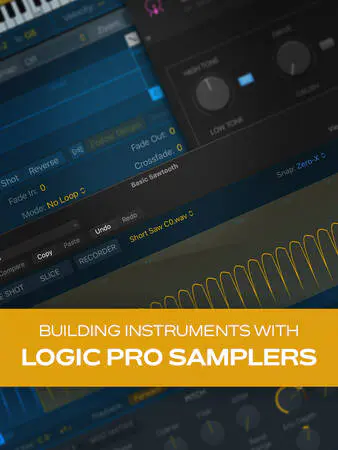
    Join Logic Pro expert Stephen O’Connell for a fun, informative video course on building your own instruments using Logic Pro’s built-in samplers! You’ll learn a ton and have a blast getting creative in new, inspiring ways—not to mention ending up with sounds and instruments that are uniquely your own. By the end of the course, you’ll be ready to start designing your own custom instruments for your very next production with sounds that can truly set your tracks apart from the crowd. Your imagination is the limit! These videos are designed for Logic Pro users that are new to using samplers. Stephen welcomes you and provides a short overview of what will be covered in the series, highlighting the three samplers we’ll be using—Quick Sampler, Drum Machine Designer, and Sampler—all of which are included in Logic Pro. Then Stephen gets down to it, starting first with Quick Sampler, covering the layout of its interface and explaining its capabilities. You’ll learn how to load samples and play them back in various modes (Classic, One Shot, Slicing) to achieve different sounds and effects. You’ll also see how to record a sound directly into Quick Sampler itself with its built-in recorder.


    Viewed 87085 By Music Producers & DJ´s.


  • Alicia Keys v1.5.0.3 KONTAKT-HiDERA
    March 23rd, 2026 ⚡
    Categories:

    Alicia Keys v1.5.0.3 KONTAKT-HiDERA-MaGeSY

    Alicia Keys v1.5.0.3 KONTAKT

    HiDERA | 23 March 2026 | 6.9 GB

    THE SOUND OF AN ICON

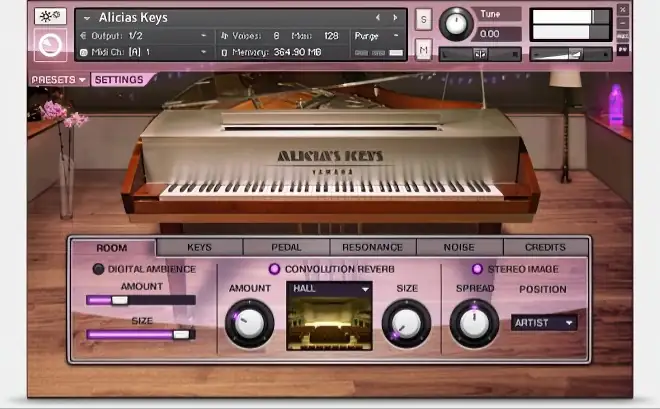
    Developed in cooperation with Alicia Keys herself, 17 GB of samples, 12 velocity layers per key. Authentic feel with sustain pedal.


    Viewed 2817 By Music Producers & DJ´s.


  • Neutron 5 Explained TUTORiAL-HiDERA
    March 21st, 2026 ⚡
    Categories:

    Neutron 5 Explained TUTORiAL-HiDERA-MaGeSY

    Neutron 5 Explained®

    HiDERA | 23 November 2024 | 421 MB

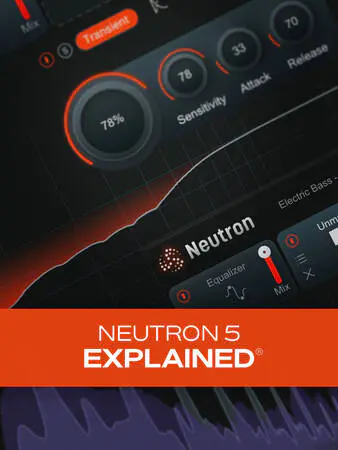
    Join mixing wiz Eli Krantzberg on a deep exploration of Neutron 5, iZotope’s flagship all-in-one mixing suite. This incredibly powerful plug-in collection contains everything you need to produce 100% professional-sounding mixes with greater ease than ever before. With all that power under the hood, however, it can be a bit intimidating, as it’s hard to know where to start. That’s where this Neutron 5 course comes in. Eli walks you through each component, explaining how it all works and showing you plenty of usage tips along the way, so you’ll be confident you’re getting the most out of everything Neutron 5 has to offer. These videos are designed for new Neutron 5 users. Eli starts off by looking at the interface and showing how everything is laid out so you can get your bearings as we proceed, followed by an examination of the IO panel channel controls and the various limiter options available. Then you’ll learn about all the common controls that appear in most of the individual modules, such as the multi-band crossover spectrum view, the delta button (for auditioning module processing in isolation), etc.


    Viewed 57164 By Music Producers & DJ´s.


  • Cascadia Explained TUTORiAL-HiDERA
    March 20th, 2026 ⚡
    Categories:

    Cascadia Explained TUTORiAL-HiDERA-MaGeSY

    Cascadia Explained TUTORiAL

    HiDERA | 21 December 2024 | 80 MB

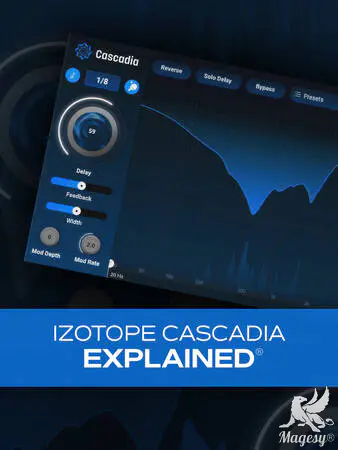
    In this Cascadia video tutorial course, production wiz Larry Holcombe takes you on a deep dive of iZotope’s powerful plugin Cascadia, an intelligent delay effect with an unmasking module that’s guaranteed to help improve mix clarity. If you’ve struggled with things feeling too cluttered when using delays in the past, Cascadia can be a godsend, and this video course is the quickest and easiest way to learn how to use it with confidence and authority. From basic controls like feedback and time (synced or not) to unique features like the Unmask module, it’s all here. These videos are designed for new Cascadia users. Larry starts off with a brief overview of the plug-in and a tour of Cascadia’s interface, so you’ll know up front where everything is located. Then you’ll learn to explore the top header and see how presets are managed, so you can save, recall, and browse your favorites. Specific controls are then demystified next, like the internal bus system, feedback, width, and time (tempo synced or manual).


    Viewed 76068 By Music Producers & DJ´s.


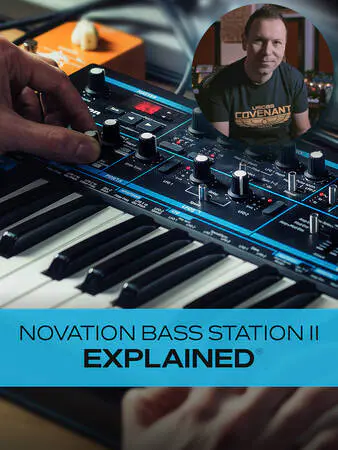
  • Novation Bass Station II Explained TUTORiAL-HiDERA-MaGeSY

    Novation Bass Station II Explained®

    HiDERA | 02 February 2025 | 3.2 GB

    Join analog synth expert Albert Rizzo Schettino for a detailed Novation Bass Station II video course! In this Bass Station II course, Alberto will not only familiarize you with all of the synth’s components, controls, and parameters, but he’ll also share many tips and techniques he’s learned during his extensive experience with this legendary modern monosynth. By the time you complete this Bass Station II course, you’ll be well on your way to creating your own custom bass, lead, and arp tones with skill and confidence! These Bass Station II videos are designed for new Bass Station II users, but there’s plenty of info more intermediate-level users as well. After welcoming you to the course, Alberto begins with a brief overview of the synth’s layout and main components. Though it can look dizzying to the synth beginner, Alberto methodically explains each section in an easy-to-grasp fashion that will bring even the complete neophyte up to speed. Then it’s on to some of the most central components of the Bass Station II, starting with the Mixer, which is where you’ll control the levels of the various components, followed by a look at the Oscillator and LFO sections, both of which are hugely integral to the sounds created by the synth. Next, you’ll fully explore the Arpeggiator/Sequencer, which you’ll use when creating those dazzling arp effects or sequenced bass or lead runs. You’ll see how to use the various Arpeggiator patterns as well as create your own custom sequences (up to 32 notes), both of which can add energy and momentum to your productions.


    Viewed 37802 By Music Producers & DJ´s.


MaGeSY TeleGram Subscribe & Stay up to date with all the Posts that are published in MaGeSY MaGeSY Podcast: Subscribe & Stay up to date with all the Audio Posts that are published in MaGeSY MaGeSY Instagram Official MaGeSY-Youtube Official MaGeSY-X Official MaGeSY-Facebook Official MaGeSY-Pinterest Official MaGeSY-WhatsApp Channel Official

With Adblocker the page loads slower & avoid enhanced new search


ಮ್ಯಾಜೆಸ್ಯ್