What is Sound? TUTORiAL
FANTASTiC | 03 November 2018 | 705 MB
Welcome to the “Principles of Sound theory” course where you will learn the basic physics of sound and the way we humans perceive it.
Viewed 5366 By Music Producers & DJ´s.


Welcome to the “Principles of Sound theory” course where you will learn the basic physics of sound and the way we humans perceive it.
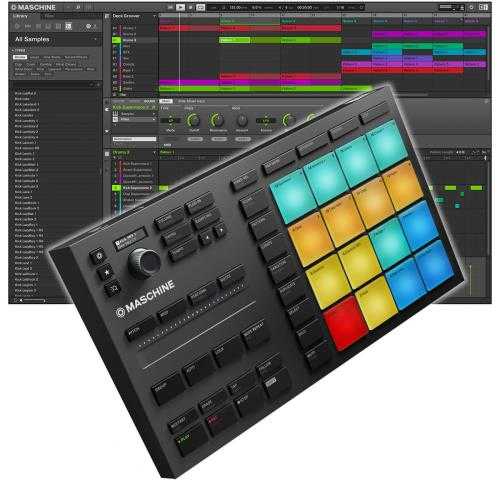
Learn the Basics of Music Production and start an EDM track using the Maschine Mikro mk3, an Integrated Groove Production System that works in tandem with Maschine 2 Software and the Komplete Sound Libraries. The hardware/software combo between Maschine Mikro and Maschine Software puts everything you need to start making great music at your finger tips. In this Class you will be guided through a step-by-step Song Creation Process, starting with the groove and building a classic “four on the floor” drum beat from scratch. Then you’ll learn how to lay down an energetic bass line using Maschine Mikro mk3. In addition to basic song creation, you’ll explore and learn advanced features and functions using the Maschine Mikro mk3 – such as: Chord Sets, Arp and Note Repeat Functions, Count-In Recording, Quantization, and Gain Staging.
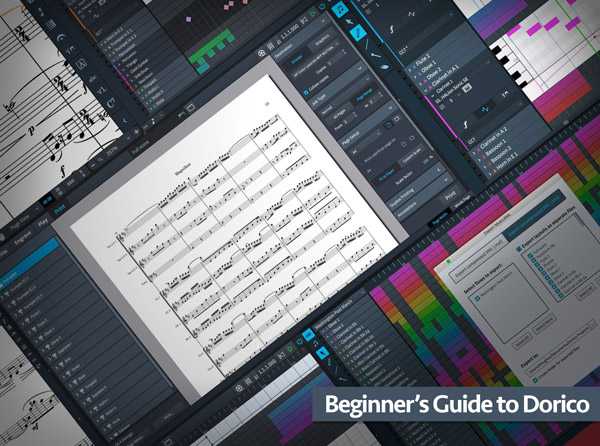
Doug Zangar presents an in-depth video tutorial series designed for the new Steinberg Dorico user. Learn what you need to know to get started with Dorico, and then go beyond, making your very first score! Doug welcomes you and then starts at the beginning with an introduction to the Dorico interface, setting up its preferences, and an overview of its menu items. You’ll then learn about important time saving key commands, creating players, layouts, flows and more. Next up is the Write Mode where you’ll discover basic set up info and note input functionalities using your mouse, computer keyboard and or MIDI controllers. The Notes Toolbox and Panel is then shown, as well as entering and adding articulations and dynamics to your masterpiece. Moving on you’ll explore the Properties Panel, creating Lead Sheets, working with text, Engrave Mode, Play Mode, Print Mode, and much more, all allowing you to create your very first score and share it with the world.
Music producer and engineer extraordinaire Kenny Gioia brings you a series of video tutorials that walks you through the process of recreating the backing tracks to the pop hit “Broken” by Lovelytheband. See how to build the backing tracks and arrangement to this hit song from scratch. Kenny starts by welcoming you and then presents the song and band you’ll be producing in the vein of. You’ll then start to put down the first keyboard part and arrange the first few sections. The drums are then introduced and you’ll see how to program and edit them to get the sound and feel found in the original recording. Next you’ll see how to begin mixing the drums, get a better balance, add additional FX, and add a few extra sounds to fill out the production. Kenny then focuses on the bass sound and how to get it sounding just like the one in Broken, followed by the synth and timbale parts. Guitars are then introduced and you’ll discover how Lovelytheband approached them for the Intro and Chorus sections.
This course is set up so that you learn how to mix your own production from A to Z. The project has one goal and that is to make an in the box mix using an analogue approach to glue together with minimal effort. This minimalistic approach is taught by Guido Werner from Catandbeats and MixMasterYou. He will teach you all about different types of compressors, when to use which, how to listen, how to setup a file that practically mixes itself, reverbs, delays and the mastering process. If you ever wanted to sit next to an engineer while he does his thing this is it.
Nectar 3 is a complete set of tools specifically designed to produce amazing-sounding vocals and special effects. Learn to take your vocal tracks to the next level in this course by audio expert. If you’re doing any sort of vocal productions (vocal tracks, podcasts, voice-overs, etc.), you need to add Nectar 3 to your audio arsenal… and most of all, you need to learn how to use it! iZ’s powerful suite of modules gives you access to all the effects you could possibly need for polishing vocals, and with version 3, it now includes a new assistant feature to let you automate the process. This course, dissects all of Nectar’s different modules one-by-one, offering the kind of in-depth exploration that you just can’t get anywhere else.
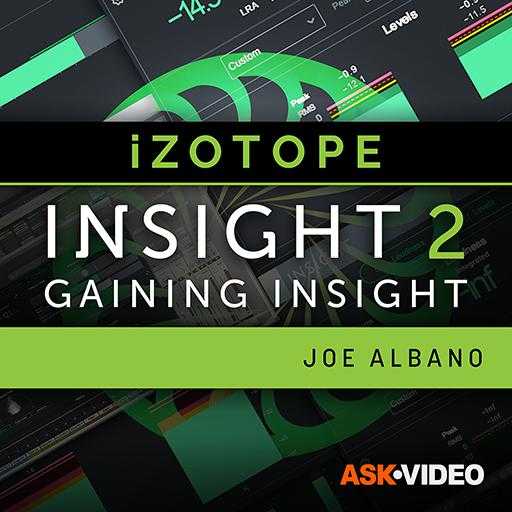
In this Insight 2 video manual by audio expert, you learn how to deploy all of Insight’s visualization tools to get the “insight” you need to understand exactly what’s happening, technically, in your audio tracks. Whether it’s loudness compliance, phase issues, frequency distribution, metering or any kind of advanced audio troubleshooting, this in-depth, workflow-based Insight 2 video manual explains it all! iZ makes the coolest plugins on the planet and Insight 2 is right up there with the best of them. Insight provides the perfect complement of audio visualization tools to assure that what you’re hearing is accurate, compliant and the best audio it can be. In this in-depth course by our star trainer, you’ll learn everything you need to know about metering with Insight 2. You’ll get the knowledge and confidence to analyze your tracks to make sure that the audio you’re creating is the best that it can be.
Total Posts: ❨ 🎵➡5198 ❩ | Paged: ➡ 368