JavaScript disabled

This website requires JavaScript to function properly.
Please enable it in your browser and reload the page.

Download TUTORiALS | MaGeSY ®™⭐
🎵 MaGeSY® R-EVOLUTiON™⭐⭐⭐

  • Getting Started with Ableton Live 11: Music Production Basics TUTORiAL

    Ableton Live 11: Music Production Basics

    P2P | 30 April 2021 | 938 MB

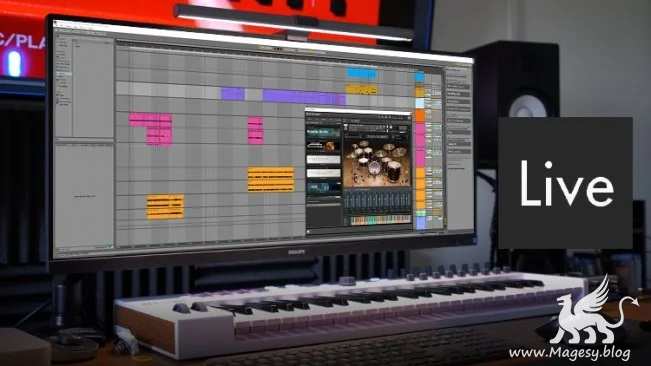
    I will take you on a step by step process with me, during my song creation process inside of Ableton Live 11. Along the way, I will showcase a variety of key Ableton Live 11 Features. So you can begin to learn the programme while building a short and simple track. This class will explore various Ableton Live Techniques, including keyboard shortcuts! I will show you how to Record Audio, work with MIDI Tracks, add Audio Effects to enhance your performances and setup Ableton Live correctly inside the preferences. We will take a detailed look at how to use the new Take Folder feature, introduced in Ableton Live 11. This has to be my favourite feature, which helps increase your productivity and workflow! Combining Take Folders and Comping can help achieve a more polished studio sound!


    Viewed 5824 By Music Producers & DJ´s.

  • Novation SL MkIII Explained TUTORiAL
    July 1st, 2021 ⚡
    Categories:

    image

    Novation SL MkIII Explained

    FANTASTiC | 05 January 2020 | 1.27 GB

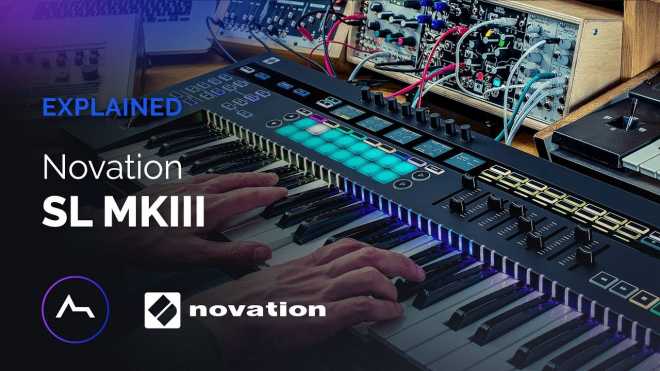
    More than a simple Keyboard Controller, the Novation SL MkIII is a centre hub for making music with both software AND hardware. In this course we will look at both! Learn how the SL MkIII can connect and control your creative processes for an improved workflow in this 4-part course with experienced tutor and producer TAETRO. Whether you’re a producer, a performer, beginner or a more experienced artist, get going with Novation SL MkIII today!


    Viewed 5095 By Music Producers & DJ´s.


  • Digital Performer 10.1 Update Explained®
    June 30th, 2021 ⚡
    Categories:

    DP 10.1 Update Explained®

    FANTASTiC | 21 February 2020 | 96 MB

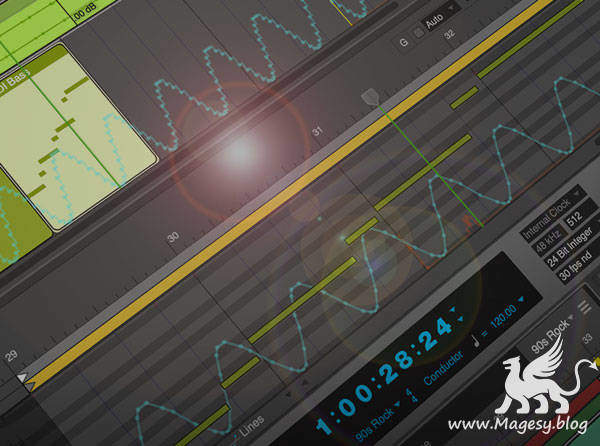
    DAW expert shows you everything you need to know about the new features and functions added to Digital Performer 10.1! These videos are designed for those already familiar with Digital Performer 10, and want to get up to speed with the new additions to version 10.1. Gary welcomes you and starts with the powerful new “Clips in Tracks” feature which allows you to now easily convert any Region in Digital Performer to a Clip in the Tracks Window. This opens up a whole new workflow making arranging more creative and fun. Next, you’ll discover the new icons and Ruler View for Memory Cycle and the Auto Record functions. Moving on, Gary shows you more cool new stuff added in DP 10.1, like how to Record to Clips, using the Clip Looping Tool, and how to export Stems out from your project, which is helpful when working with other musicians, composers, and producers. Throughout the rest of the videos you’ll learn even more about new 10.1 features like using the MIDI Velocity Tool, the Duplicate Command, Zooming updates, Coloring Chunks and the 23 new drum kits added to the Model12 virtual instrument included with Digital Performer, and more.


    Viewed 5785 By Music Producers & DJ´s.


  • image

    Pro Tools Mixing TUTORiAL

    Team DYNAMiCS | Feb 2009 | D1 – 3.63 GB | D2 – 2.28 GB

    Learn How to Mix in Pro Tools from Some of the Best in the Business!

    In the Multi Platinum Mixing, top audio engineer walks beginning to advanced Pro Tools users through the major label techniques for creating sonically amazing mixes. From carving out space with EQs, to building the mix with Dynamics and FX, the Mult Platinum Mixing 2-DVD set includes a master mix session that enables viewers to dramatically improve their mixing technique as they follow along. If you want to learn how to mix like a pro in Pro Tools, get your hands on the Multi Platinum Mixing DVD set!


    Viewed 6378 By Music Producers & DJ´s.


  • How To Make Downtempo in FL Studio TUTORIAL-SYNTHiC4TE

    How To Make Downtempo in FL Studio

    SYNTHiC4TE | July 15 2015 | 2.89 GB

    In this ‘How To Make Downtempo In FL Studio’ lays down some blissed out beats, pads and glitches up some vocals to create a laidback monster. Owsey has made quite a name for himself in the alternative electronic music field by creating music that transcends both boundaries and genres. Based out of Ireland, he has been given the opportunity to remix artists such as Birdy, Kimbra and Gotye, to name a few, and has received support from the likes of Radio 1 & Mary Anne Hobbs. This week we leave the main room and head over to the chillout zone for relaxed grooves in FL studio.


    Viewed 5694 By Music Producers & DJ´s.


  • Mix Audio for Podcast

    FANTASTiC | 29 February 2020 | 737 MB

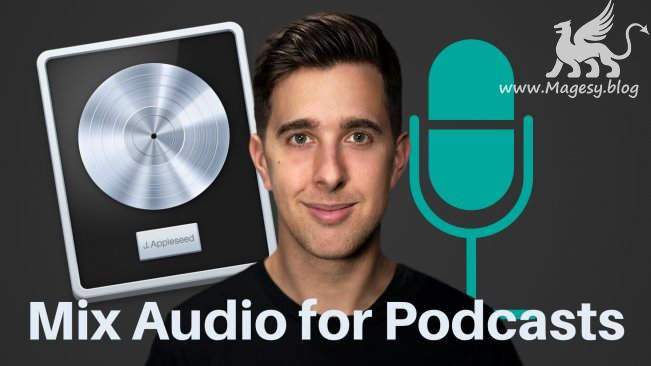
    Start Mixing Voiceovers Professionally with Logic Pro X! Logic Pro X is used by professional audio engineers worldwide. This course will teach you the best way to start making professional sounding voiceovers right away! The Beginners Mixing Guide to Creating Professional Sound Voice for YouTube, Podcasts, Tutorials and Online Courses. By the end of the course, you’ll be able to confidently mix a voiceover in Logic Pro X. I’ll be teaching this course using the built-in features from Logic Pro X. There is also a lecture about 3rd party plugins, but it’s not essential, you can mix voice in Logic Pro X with just the stock built in plugins!


    Viewed 8143 By Music Producers & DJ´s.


  • Downtempo Trap for Beginners TUTORiAL
    June 30th, 2021 ⚡
    Categories:

    Downtempo Trap for Beginners®

    SYNTHiC4TE | Feb 21 2020 | 180 MB

    An in-depth Downtempo Trap production video tutorial series! See and hear how to make your first beat in this trending genre, including sound design, editing, mixing and mastering for a polished, professional sounding track. These videos are designed for beginner producers looking to make their first Downtempo Trap beat. Course extras to create your own music and follow along with this course are included! A basic understanding of music production in the Live 10 Arrangement View is recommended to get the most out of this course, but you can also apply this info to any DAW, so everyone can learn and benefit from the instruction. To start, Josh welcomes you and shows you how to start your track off with a recorded piano part, perfect for the genre. Next, you’ll learn how to layer an 808 bass sound with the piano part and arrange them for a solid harmonic foundation, and then add kicks, snares and hats to complete the classic trap beat groove. Josh also shows you how to create and add in transitions with a reverse snare sound to make going into the different parts of the song more seamless.


    Viewed 4629 By Music Producers & DJ´s.


MaGeSY TeleGram Subscribe & Stay up to date with all the Posts that are published in MaGeSY MaGeSY Podcast: Subscribe & Stay up to date with all the Audio Posts that are published in MaGeSY MaGeSY Instagram Official MaGeSY-Youtube Official MaGeSY-X Official MaGeSY-Facebook Official Social Networks:MaGeSY-Pinterest Official MaGeSY-WhatsApp Channel Official  MaGeSY-TiK-TOK Channel Official

Total Posts: ❨ 🎵➡5198 ❩ | Paged: ➡ 251


ಮ್ಯಾಜೆಸ್ಯ್