JavaScript disabled

This website requires JavaScript to function properly.
Please enable it in your browser and reload the page.

Download TUTORiALS | MaGeSY ®™⭐
🎵 MaGeSY® R-EVOLUTiON™⭐⭐⭐

  • The Legend Explained®
    October 7th, 2022 ⚡
    Categories:

    The Legend Explained TUTORiAL

    The Legend Explained®

    HiDERA | 27 May 2022 | 153 MB

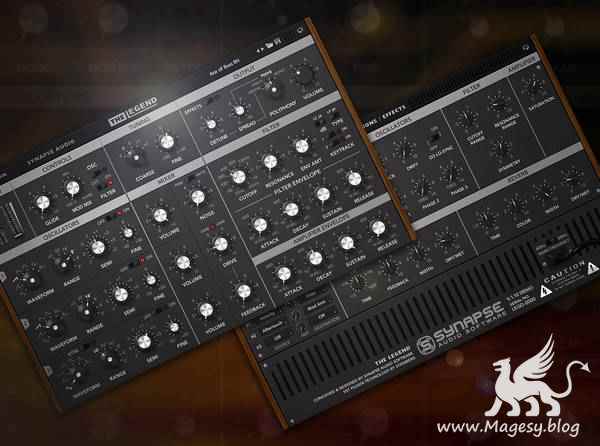
    In this tutorial series, virtual instrument veteran covers the Legend by Synapse Audio Software: a stellar emulation of the legendary Minimoog Model D, with a few tricks of its own. If you’re new to synths in general, or simply new to the Moog-style layout, this course will get you completely comfortable with the setup and have you creating your own sounds in no-time. Synapse Audio Software went all out with this emulation, and Larry will make sure you know the ropes of every bell and whistle it has to offer! This video is for new users of The Legend. Larry kicks it off with a tour of the interface and basic layout of The Legend, allowing you to get your bearings before getting into specifics. Then he covers preset management (loading, saving, etc.) and demonstrates how to set up a MIDI controller and map it to various parameters. From there, we get into the meat of the synth, oscillators, along with the signal flow of the plugin.


    Viewed 6081 By Music Producers & DJ´s.

  • NI MASSiVE Wavetables TUTORiAL
    October 7th, 2022 ⚡
    Categories:

    NI MASSiVE Wavetables TUTORiAL

    NI MASSiVE Wavetables TUTORiAL

    SYNTHiC4TE | May 24 2013 | 1.29 GB

    WAVETABLES.

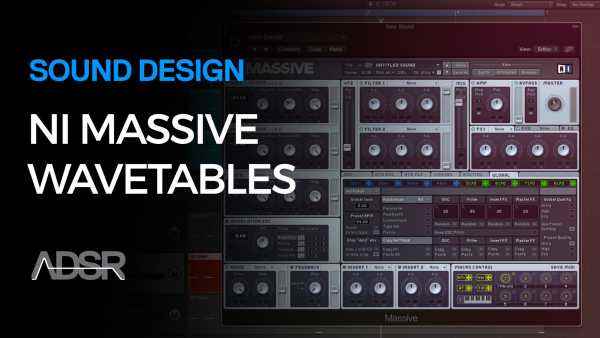
    WHAT THEY ARE, HOW TO USE THEM AND HOW TO CHOOSE WHICH ONE WHEN DESIGNING A SOUND. NI Massive is the industry leader in wavetable synthesizers. There is no faster way to create a stunning variety of sounds. You can rapidly stack sound on top of sound to generate exciting new patches that will set you and your music far ahead of your competitors. In our new Massive Wavetables Video Course you’ll explore all five categories of wavetables inside Massive: The Basic, Analog/Electric, Digital/Hybrid, FX/Chords, as well as a look at the Virtual/ Analog oscillators available.


    Viewed 7862 By Music Producers & DJ´s.


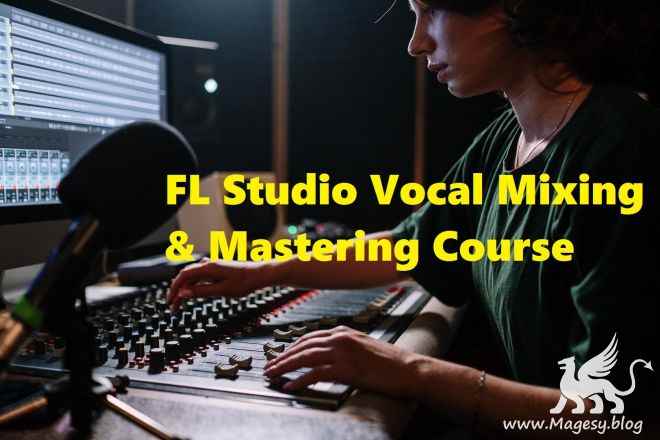
  • FL Studio 20: Mixing and Mastering Vocals for Beginners TUTORiAL-FANTASTiC

    FLS20 Mixing & Mastering Vocals

    FANTASTiC | 07 October 2022 | 219 MB

    The most crucial aspect of a song is the vocals. Your music will always sound amateur if you don’t nail it. Knowing how to mix vocals can elevate your overall quality much beyond the novice level. It doesn’t matter if you recorded your song in a professional studio with loads of costly gear or in your bedroom – your mix must sound professional. Nothing is more important than vocals. It also makes no difference if you’re talking about music, movies, television, or podcasting…everyone’s attention is drawn to the human voice. You don’t have to be a musician to detect poorly blended vocals. They’re discordant, unpleasant, and make you want to rip your ears out. And it may be upsetting if these discordant vocals are still audible after you’ve mixed vocals into your music.


    Viewed 10305 By Music Producers & DJ´s.


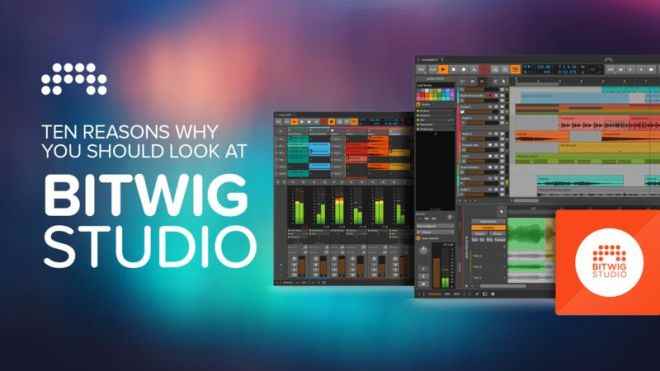
  • 10 Reasons Why You Should Look At Bitwig Studio TUTORiAL

    Bitwig Studio TUTORiAL

    HiDERA | 07 October 2022 | 850 MB

    Over these tutorials, Nate highlights some of the brilliant features that have persuaded him to move away from Cubase and now use Bitwig Studio as his go-to DAW. From the simple speeding up of workflow and diving down the rabbit hole of ‘The Grid’ where you can build your own synths, plugins and effects to Note FX, Modulators and FX Containers – there’s so much to this DAW and Nate is only scratching the surface! It’s not just a powerful tool that can inspire creativity and get the job done, it’s also the simplicity of the user interface that Nate loves, making the technical side of things straightforward and letting the DAW do all the hard lifting. Switching your DAW is always a difficult decision when you’ve become so accustomed to a way of working but Bitwig Studio seems to tick all the right boxes here, and making that move may not be as daunting after all, especially after watching this course and seeing what it can do!


    Viewed 17886 By Music Producers & DJ´s.


  • Masterclass De Mezcla Urbana TUTORiAL-FANTASTiC

    Masterclass De Mezcla Urbana

    FANTASTiC | 06 October 2022 | 1.89 GB

    Si hay algo que caracteriza la música urbana, es el beat. Esa base aplastante que te mueve el piso con cada bombo y cada nota del bajo. Y aquí es donde se diferencian las mezclas amateurs, de las profesionales. ¿Cómo hacen los profesionales, para que sus bases suenen tan potentes, llenas de energía y con una nitidez impresionante, donde cada instrumento tiene su espacio y ninguno compite con el otro? Seguramente te ha pasado: tus mezclas quedan brutalmente pasadas de bajos y parece como si fueran a explotar (no de la forma que esperas). Y es que ya quisiéramos que la solución fuera simplemente darle más bajos a la canción. Caso contrario, tus mezclas quedan totalmente flacas y sin peso, tal cual como si hubieses dejado el bombo y bajo en mute.


    Viewed 8911 By Music Producers & DJ´s.


  • Explore And Create Your Unique Sound TUTORiAL
    October 6th, 2022 ⚡
    Categories:

    Explore And Create Your Unique Sound TUTORiAL

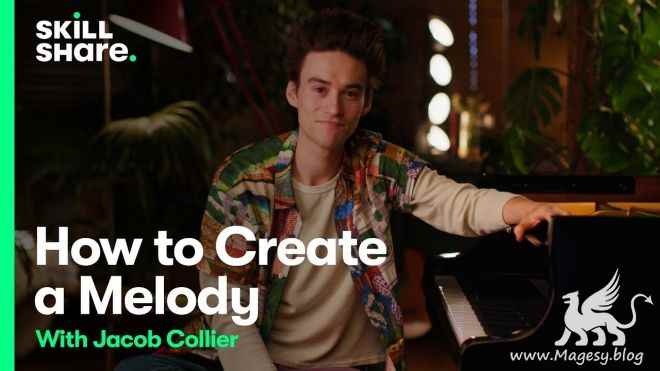
    Explore & Create Your Unique Sound

    HiDERA | 06 October 2022 | 1.9GB

    In this exclusive class, Jacob dives deep into all of the different components that make up sound. From how to form a story with melody to coloring it with harmony, Jacob will walk you through every step of creating a sound completely unique to you.


    Viewed 11863 By Music Producers & DJ´s.


  • Cubase Logical Editors EXPLAiNED®
    October 4th, 2022 ⚡
    Categories:

    Cubase Logical Editors EXPLAiNED®

    Cubase Logical Editors EXPLAiNED®

    HiDERA | 6 June 2022 | 224 MB

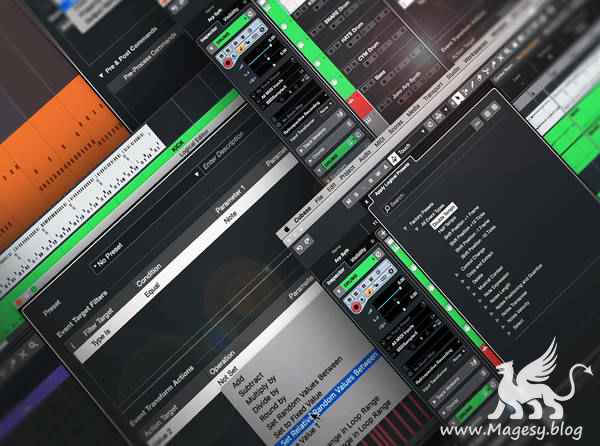
    Learn the many benefits and incredible capabilities of the Cubase Logical Editors with expert in these extensive Cubase video tutorials! If you’ve ever wanted a quicker, easier way to accomplish many of the common editing tasks you use over and over in a Cubase session, the Logical Editors are the answer. With so much power, however, there is a bit of a learning curve, and that’s where this course comes in! Gary takes you step by step through some of the most useful features of the Logical Editors, demonstrating along the way with instructive examples so you’ll be armed with the knowledge to make them work for you! These videos are for new Cubase Logical Editors users.


    Viewed 11349 By Music Producers & DJ´s.


MaGeSY TeleGram Subscribe & Stay up to date with all the Posts that are published in MaGeSY MaGeSY Podcast: Subscribe & Stay up to date with all the Audio Posts that are published in MaGeSY MaGeSY Instagram Official MaGeSY-Youtube Official MaGeSY-X Official MaGeSY-Facebook Official Social Networks:MaGeSY-Pinterest Official MaGeSY-WhatsApp Channel Official  MaGeSY-TiK-TOK Channel Official

Total Posts: ❨ 🎵➡5206 ❩ | Paged: ➡ 139


ಮ್ಯಾಜೆಸ್ಯ್