🎵 MaGeSY® R-EVOLUTiON™⭐⭐⭐

  • Track Deconstruction Bitwig Studio TUTORiAL

    Track Deconstruction TUTORiAL

    Team DECiBEL | 19 Dec 2022 | 437.6MB

    ..: 15 Videos / 58m :..

    Would you like to watch Bitwig Certified Pro deconstruct his latest track? We did! And that’s why we commissioned this deep dive course into the making of his new EP tune “The Big Round Table”. You’re just one click away from some very cool tips and tricks! It’s always interesting to know about the creative process of another fellow producer. In this course, the very talented Thavius Beck takes you behind the scenes and reveals how he created his song “The Big Round Table”, from his latest EP Leo. In this course, you’ll discover workflow in the studio. You’ll learn about his inspiration, the gear he used, and how he gathered and processed samples with the SP-404 MKII creative sampler. He talks about his microphone choice and the way he recorded and processed his vocals in Bitwig. The course also covers his use of delay, how the different elements of the song fit together, and how he mastered the project himself using a 3rd-party software, Ozone.


    Viewed 8472 By Music Producers & DJ´s.

  • How To Make Baharat TUTORiAL
    May 25th, 2023 ⚡
    Categories:

    How To Make Baharat TUTORiAL

    How To Make Baharat

    P2P | 29 November 2021 | 1.98 GB

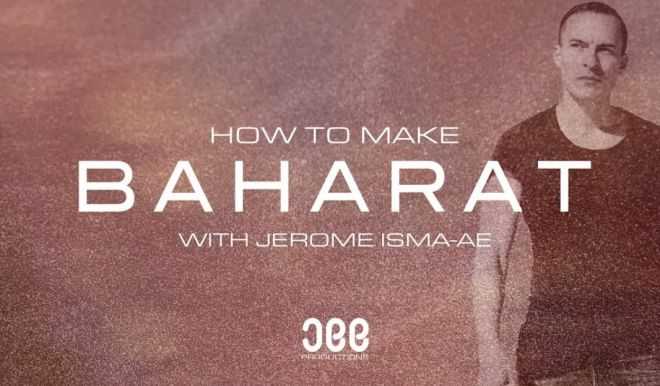
    If you’re looking for a quick-fix ‘How To Make’ course, look no further as we welcome back Jerome Isma-Ae by popular demand to run through how to make his new track Baharat from scratch in Logic Pro. Using samples, recordings and straightforward synth sound design builds and processes each element, fitting it all together perfectly for an awesome oriental and progressive style track. Featuring the beautiful ‘Saz’ instrument professionally performed by his friend, Jerome cleverly morphs the initial vibe into arps, bass swells, chords and an evolving beat. Coming in at just over an hour, this may be a relatively quick course compared to some others on our site, but no stone is left unturned, and it certainly doesn’t lack with standout hooks and a bad ass groove!


    Viewed 11878 By Music Producers & DJ´s.


  • Dorico Key Editor Explained TUTORiAL
    May 24th, 2023 ⚡
    Categories:

    Dorico Key Editor Explained TUTORiAL

    Dorico Key Editor Explained®

    HiDERA | 23 April 2023 | 232 MB

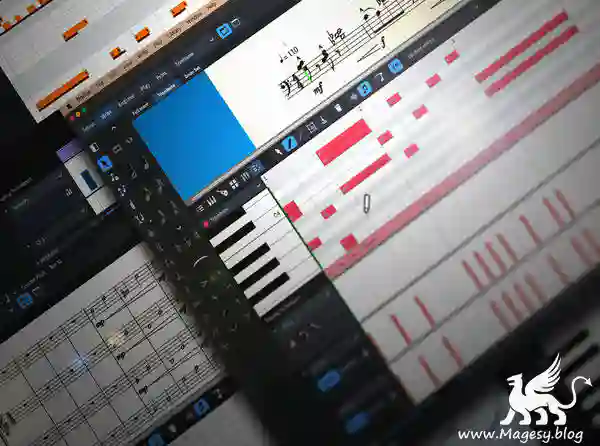
    In-depth look at the Key Editor in Dorico, a feature that allows for quicker, easier control over many of your score’s components with a familiar piano roll layout that’s common in most DAW programs. In this Dorico video course, you’ll see how to adjust dynamics effortlessly and broadly, pitch, tempo, various CC data, and much more, all of which can increase your workflow speed. These videos are designed for those who have a basic familiarity with Dorico. Doug begins by demonstrating some basic functionality, including how to access the editor (with the mouse, key command, or Jump Bar), scrolling/zooming, instrument selection methods, and more, both in Play Mode and Write Mode. Then see how track selection works in the Key Editor, which allows you to view tracks and instruments independently of the score or in concert with it. More detailed information on scrolling and zooming is then covered in the Piano Roll and Percussion Editor, as is playhead navigation and grid resolution.


    Viewed 8547 By Music Producers & DJ´s.


  • SCHEMA: DARK Explained TUTORiAL
    May 24th, 2023 ⚡
    Categories:

    SCHEMA: DARK Explained TUTORiAL

    SCHEMA: DARK Explained®

    HiDERA | 23 April 2023 | 136 MB

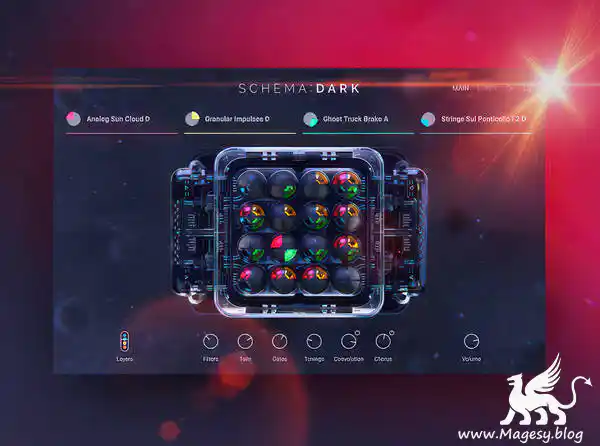
    If scoring action films and video games is your thing,  SCHEMA: DARK is the musical playground of your dreams. In this SCHEMA DARK video course, virtual instrument guru walks you through this plugin front to back, showing you everything you need to know to start incorporating it in your very next production. You’ll learn how to work with the four separate layers (each with their own 16-step sequencer), numerous macros, slices, filters, effects, and much more! These videos are for new SCHEMA: DARK users. Eli welcomes you and begins with a flyover of the plugin, briefly explaining what it is, what it does, how it works, what it sounds like, and how the interface is structured, so you’ll be better prepared when we get into the specifics. Then you’ll learn how to navigate NI’s browser, including modifying, saving, and recalling presets and other settings. Discover next how to reorder slices (manually or randomly) from the Pattern Edit panel, affording a myriad of sonic permutations for you to explore while you mine the dark depths of musical creation.


    Viewed 5166 By Music Producers & DJ´s.


  • Learn How To Use Delay In Studio One Tutorial Magesy

    How To Use Delay In Studio One?

    P2P | 24 May 2023 | 618.17 MB

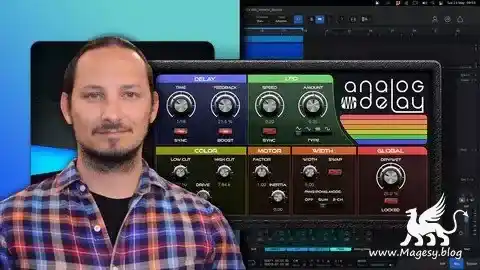
    How to Use the Delay in Studio One? “Yo, just drag and drop the delay plugin onto your track and play around with the settings until you find the sound you’re diggin’. It’s pretty intuitive once you get the hang of it. Happy mixin’!” To use the delay in Studio One, first insert the Delay plug-in onto a track in your mix. Then, adjust the Delay Time and Feedback settings to create the desired delay effect. You can also experiment with the Wet/Dry mix to control the amount of the effect applied to the track. Additionally, try using the Filter controls to further shape the delay sound. With some practice and experimentation, you can achieve a wide range of delay effects in Studio One. Learn how to use the Delays in Studio One to improve your Music Productions. Do you know how Delays work and how they can IMPROVE your Mix?


    Viewed 9477 By Music Producers & DJ´s.


  • Hot New Features in FL Studio 21 TUTORiAL-DECiBEL

    New Features in FL Studio 21

    Team DECiBEL | 20 February 2023 | 454 MB

    21 Videos/1h 22m

    FL Studio 21 is loaded with new plugins, workflow improvements and more… Make sure to grab a cold drink, because you’re about to discover 21 HOT new features in FL Studio 21, with trainer and producer! For over two decades, FL Studio has been extensively developed and refined, becoming one of the most popular dual platform DAW around. With version 21, the software has reached a whole new level of innovation, with new plugins, audio editing improvements, and more. And there’s really no reason not to upgrade, because one of the many great things about FL Studio is Image Lines’ generous licensing policy of lifetime free updates. That’s true: you buy FL Studio once, and you never need to pay again to upgrade. In this course, trainer and producer Rishabh Rajan explores the new features to help you get the most out of this amazingly creative and unique music software.


    Viewed 24633 By Music Producers & DJ´s.


MaGeSY TeleGram Subscribe & Stay up to date with all the Posts that are published in MaGeSY MaGeSY Podcast: Subscribe & Stay up to date with all the Audio Posts that are published in MaGeSY MaGeSY Instagram Official MaGeSY-Youtube Official MaGeSY-X Official MaGeSY-Facebook Official MaGeSY-Pinterest Official MaGeSY-WhatsApp Channel Official

With Adblocker the page loads slower & avoid enhanced new search


ಮ್ಯಾಜೆಸ್ಯ್