🎅 MaGeSY® R-EVOLUTiON™⭐⭐⭐
Banner promocional Thomann Music is Passion 2025
Search like: Compressor, Limiter, FX, etc


Search Results

Search Results:

  • Recording and Editing Audio Studio One 4 TUTORiAL
    Posted by Magesy.Blog On: 24 November 2018
    Categories:


    image

    Recording & Editing Audio: Studio One 4

    FANTASTiC | 23 November 2018 | 390 MB

    PreSonus Studio One 4 is an amazing DAW for recording audio. Join educator and audio engineer Joshua Carney in this course to master all audio recording and editing features included in Studio One! Recording and editing audio doesn’t have to be a daunting task. In this in-depth course full of real-world examples, expert trainer Joshua Carney will teach you the skills, tools, essential technique, and workflows you need to master to make great audio recordings! The course begins by explaining how to set up your audio interface and preferences for recording. You learn various ways to import audio and loops, and make everything conform to your song’s tempo. Next, all audio editing tools are covered in detail, and important shortcuts for editing and zooming are also explained. With plenty of recording examples, Joshua demonstrates various techniques for recording electric & acoustic guitar, bass, vocals and multi-tracked acoustic drums. You learn to record both DI and with a microphone, how to do Auto Punch, how to quickly create an arrangement with the Arranger track, how to layer, comp and tune vocals, create a rough mix, and a lot lot more…


    5540 Views
  • How To Make Tech Trance in Studio One 4 TUTORiAL
    Posted by Magesy.Blog On: 12 November 2018
    Categories:


    image

    How To Make Tech Trance in Studio One 4

    P2P | 10.11.2018 | 4.73 GB

    This week proudly welcomes back Swedish born 138 Trance legend Bjorn Akesson for a brand new course in How To Make Tech Trance. We’re also excited as for the first time here at Sonic Academy this awesome monster of a track is created in Presonus Studio One. Bjorn builds this entirely new tune from the ground up starting with a blank slate firstly creating the drums before moving on to the layered sub and mid bass. We then arrange the basic layout to give the foundation of the track before adding effects, creating the drop and main theme, adding atmosphere, along with a dope acid line and stabs. Throughout this course we check out Bjorn’s easy-to-follow, methodical approach to workflow and organisation along with his clever use of automation lines to create tension and move through the transitions of the breakdown and drop.


    5989 Views

  • Composing Tools with Studio One TUTORiAL
    Posted by Magesy.Blog On: 12 October 2018
    Categories:


    image

    Composing Tools with Studio One

    FANTASTiC | 12 Oct 2018 | 1.39 GB

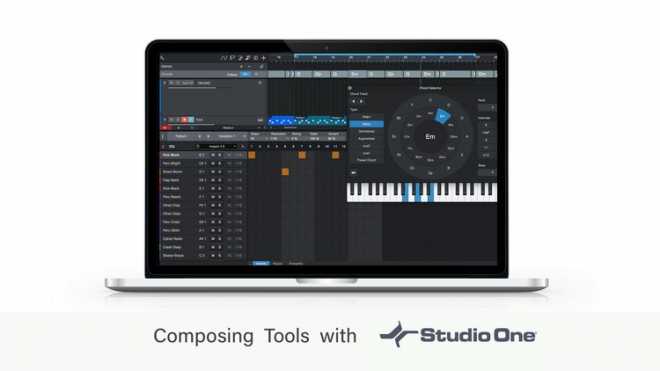
    If you want to improve your song composing in Studio One, this is the perfect course for you!  Learn how to use the Composing Tools within Studio One to improve your songs. This is a complete course teaching you how to use all the composing tools and feature sets in Studio One to allow you to explore new and different directions with your songs. With easy-to-follow tutorials and a real-world examples of a song composing tips and tricks, you’ll enjoy learning while taking action.


    4594 Views

  • Recording and Editing MIDI Studio One 4 TUTORiAL-SYNTHiC4TE
    Posted by Magesy.Blog On: 5 October 2018
    Categories:


    image

    Recording & Editing MIDI

    SYNTHiC4TE | Oct 04 2018 | 242 MB

    Studio One 4 TUTORiAL

    PreSonus Studio One 4 is extremely powerful when it comes to MIDI editing and recording. In this course, producer and trainer Joshua Carney covers all the MIDI tools and techniques you need to master to work efficiently with Studio One 4. First, you first learn about MIDI setup, how to choose instruments, save and load presets, and tips to best deal with latency. Next, you learn different MIDI recording techniques, including auto-punch, loop recording, step input, using the pattern editor, and more. Once your MIDI data is recorded, you discover how to quantize it and edit it to perfection in the MIDI editor. Joshua takes you through four of the main instruments included in Studio One 4: the Impact XT drum sampler, the Mai Tai analog poly synth, the Mokito mono synth, and the Presence XT sampler. Then you dive deep into the MIDI Effects where you learn to use the Arpeggiator, Chorder, Repeater and Input Filter. The course ends with some advanced tutorials covering multi-instruments, macros and the Channel Editor.


    4675 Views

  • Quick Start Guide Studio One 4 TUTORiAL-SYNTHiC4TE
    Posted by Magesy.Blog On: 30 August 2018
    Categories:


    image

    Quick Start Guide Studio One 4

    SYNTHiC4TE | August 30 2018 | 248 MB

    Studio One 4 is PreSonus’ latest and greatest music production software. Get a thorough introduction to this powerful DAW in this quick start guide by trainer and producer! With its powerful audio and MIDI features and huge sound library, Studio One is certainly one of the best DAW available for musicians, songwriters and producers. This course, by Studio One expert Joshua Carney, is designed to show you how to start recording, arranging and mixing your songs with Studio One 4 as fast as possible. The course begins with an overview of Studio One where you learn how to set up your audio and MIDI devices, navigate the user interface, and create a new project. Step by step, Joshua explains everything you need to know to start recording, sharing lots of workflow tips and essential key commands along the way. You learn different ways to edit and quantize MIDI, how to record and fine-tune a vocal performance, how to record an electric guitar and get the exact tone you want, and more…


    4989 Views

  • Studio One 4 Explained® TUTORiAL
    Posted by Magesy.Blog On: 14 July 2018
    Categories:


    image

    Studio One 4 Explained® TUTORiAL

    FANTASTiC | 13 July 2018 | 556 MB

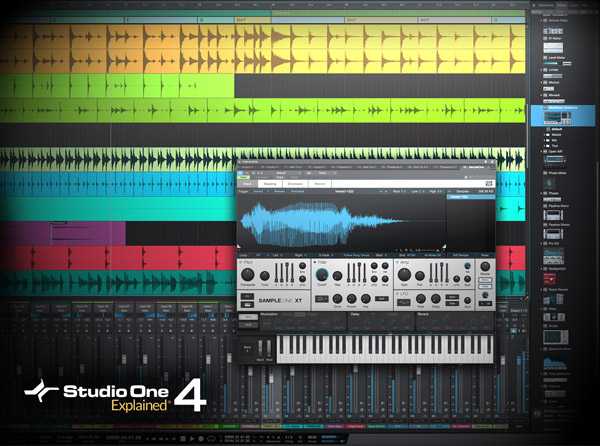
    Presonus guru delivers an in-depth video tutorial series designed for the new Studio One v4 user! Go from zero to hero in no-time, and learn all the important foundations and basics of the new Presonus Studio One DAW. Your new favorite DAW awaits! Featuring 33 in-depth videos, Marcus starts off with creating your first song and walks you through the process, including all the settings, template options, and more. You’ll then learn all about song folder and content locations, studio one song folder structure, and setting up your recording interface and more. Next, it’s on to important S1 basics, such as the main windows, track types, creating tracks, using the transport, working with the browser, using markers, the Arranger Track and much more. Marcus then shows you how to edit both audio and MIDI with the various tools included with Studio One, to make that perfect performance come alive. Recording in S1 is then looked at in detail, and you’ll get all the info needed to correctly optimize your setup for recording, enable the metronome and recording basics, how to set an optimal recording level when tracking in Studio One, using pre-roll and pre-count, use punch in recording with auto punch, loop recording, comping for the perfect take, and creating a separate headphone mix for the talent.


    4670 Views

  • Mixing and Mastering in Studio One TUTORiAL
    Posted by Magesy.Blog On: 9 July 2018
    Categories:


    image

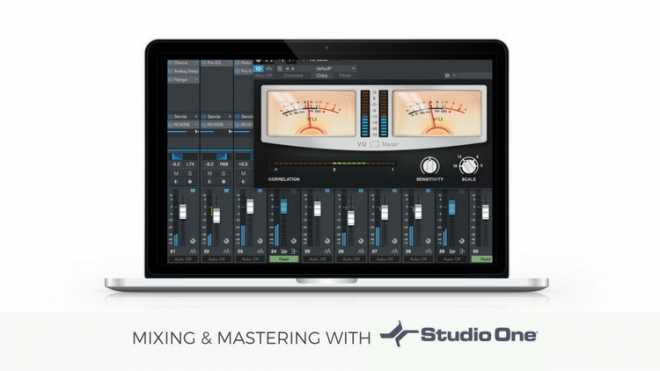
    Mixing & Mastering in Studio One

    FANTASTiC | 08 July 2018 | 2.9 GB

    If you want to improve your song mixes in Studio One, this is the perfect course for you! , Learn how to Mix and Master them within Studio One. This is a complete course teaching you how to use all the tools and feature sets in Studio One to give you a great mixed, mastered and finalized song/s With easy-to-follow tutorials and a real-world example of a song from start to finish, you’ll enjoy learning while taking action.


    3882 Views

  • CTC-1 for Studio One WiN MAC
    Posted by Magesy.Blog On: 7 June 2018


    image

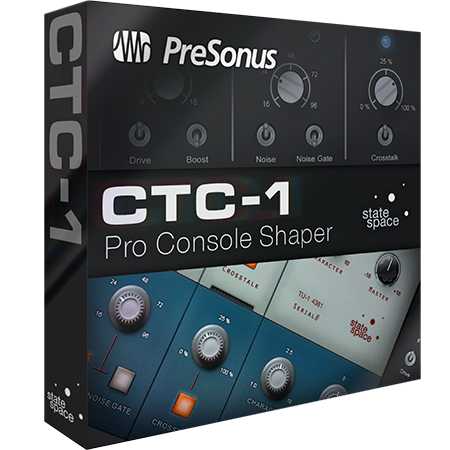
    CTC-1 for Studio One WiN MAC

    P2P | 31 May 2018 | WiN: 12.4 MB | MAC: 13.3 MB

    CTC-1 Pro Console Shaper Adds the Sound of Classic Consoles to Studio One.

    PreSonus is shipping CTC-1 Pro Console Shaper, the second in its series of Mix Engine FX plug-ins for Studio One 3 Professional. The new Studio One Add-on, which works with Studio One Professional 3.3.1 and later, provides three great-sounding models of classic British, vintage tube, and custom consoles and adds several major enhancements to the Mix Engine FX environment. Introduced in Studio One 3.2 Professional, Mix Engine FX is a plug-in paradigm exclusive to Studio One Professional that can subtly alter or completely transform Studio One’s native mix engine. In contrast to conventional plug-ins that must be inserted independently on each channel, with limited or no interoperability, Mix Engine FX can process every channel routed through a bus, both individually at the source and at their summing point, using one plug-in. Any bus, including the main stereo bus, can have its own Mix Engine FX assigned, allowing for limitless sonic possibilities.


    13884 Views

  • Studio One 4 Advanced TUTORiAL
    Posted by Magesy.Blog On: 24 May 2018
    Categories:


    image

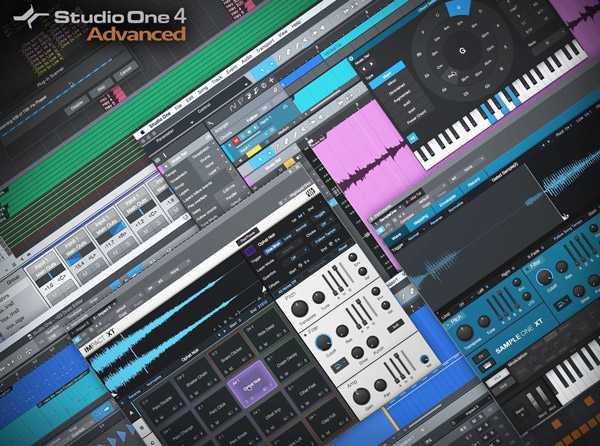
    Studio One 4 Advanced TUTORiAL

    SYNTHiC4TE | 24 May 2018 | 1.13 GB

    Presonus master Marcus Huyskens brings you in-depth coverage of the new advanced features found in the new Studio One version 4 update! Watch, learn and hear what the latest goodies from Presonus can do for you and your creative process. Marcus welcomes you and then hits the floor running with complete coverage of the powerful new Chord Track feature in Studio One v4. See what this amazing new feature can do for you when producing tracks in S1. Then it’s on to the newly updated Sample One XT and Impact XT virtual instruments and their added features, which allow for even more creative workflows. The new view mode added to the Drum Editor is also gone over in detail, making for better virtual drum instrument programming.


    3541 Views

  • Studio One 3 Professional v3.5.4 Include 16 Packs WiN MAC-R2R
    Posted by Magesy.Blog On: 5 December 2017


    image

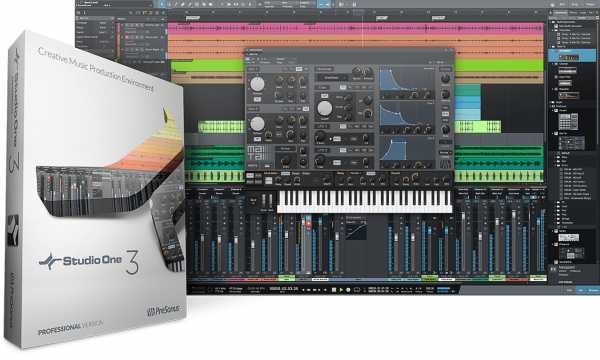
    Studio One 3 Pro v3.5.4 WiN MAC

    Team R2R | 05.12.2017 | OSX: 156 MB | WiN: 237 MB

    Include Packs 16 Packs of Sounds and Loops and Reference Manual

    Studio One® 3.3 is the latest version of Studio One and is a free download for registered Studio One 3 customers. This new version adds several of the most frequently user-requested enhancements including faster multi-track drum editing, MIDI editing improvements, new mixing features, and unprecedented integration with the new Notion™ 6 music notation and performance environment.


    32185 Views

    Total Posts: ❨ 🎵➡6052 ❩ | Paged: ➡ 7


    Search like: Compressor, Limiter, FX, etc


    ಮ್ಯಾಜೆಸ್ಯ್

    MaGeSY ® R-EVOLUTiON™⭐⭐⭐