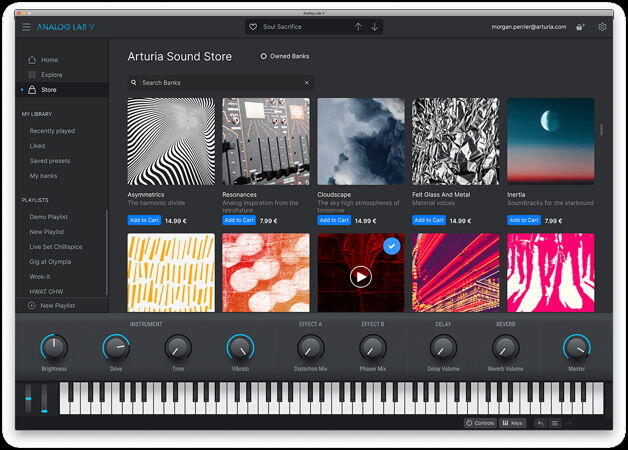
Arturia Sound Banks Bundle 2026
Team V.R | 07.03.2026 | TORRENT: 27.8 GB | UPDATE MARCH: 2.6GB
366 unlocked Arturia Sound Banks & 428 Third Party Sound Banks
120189 Views




366 unlocked Arturia Sound Banks & 428 Third Party Sound Banks
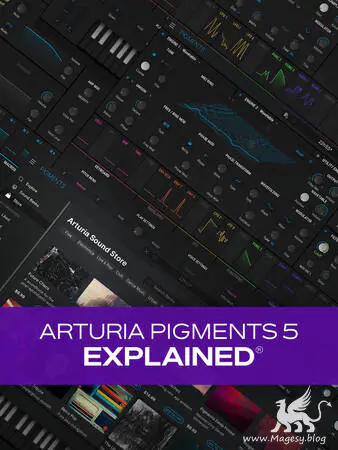
Join synthesizer guru Tyler Coffin for an in-depth look at Pigments 5, the latest version of Arturia’s own virtual synthesizer that packs a serious punch. You’ll get the lay of the land, including the numerous synth engines (Wavetable, Analog, Sample, Harmonic, etc.) and their parameters, along with a deep look into the usual suspects (filter, sequencer, effects, etc.), complete with numerous audio demonstrations throughout. By the end of this Pigments 5 tutorial, you’ll be ready to start using Pigments 5 in your very next track. These Pigments 5 videos are for new Pigments 5 users. Tyler begins with a brief introduction to Pigments in general, discussing its basic architecture and providing a bit of background before giving a quick tour of the interface and demonstrating some fundamental characteristics of the instrument. Then you’ll learn about Play View, which provides a streamlined, uncluttered look designed for quick performances with only surface-level editing.
302 unlocked Arturia Sound Banks & 243 Third Party Sound Banks
In addition to the two left hands of architecture with a million small pictures, the Arturia plugins also have a paranoid flaw in checking the license of protected presets – is checked by legitimate each of more than 10,000 protected presets, which greatly increases the initialization time of plugins :( Therefore, to accelerate loads all protected presets, were cleared and unlocked. Now these purified presets can be used even with third-party imperfect releases (eg R2R) that did not support protected presets
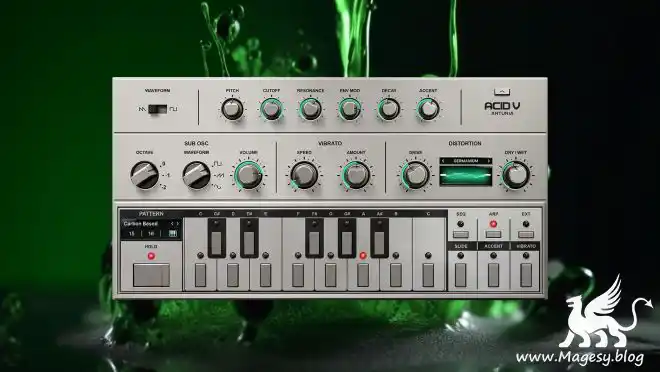
Acid V channels the cult-classic bass synth that pushed the underground into overdrive. Pump your mixes full of reactive ever-evolving bass grooves, unleash mutated sequences fizzing with distortion, and experiment with extra features for revitalized rave energy.
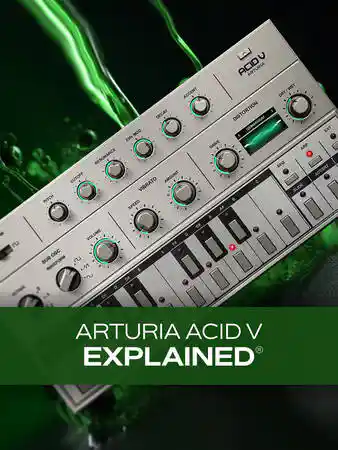
Join synth expert Tyler Coffin for a detailed look at Arturia’s Acid V virtual bass synth, which faithfully recreates the famous TB-303 hardware synth that was so instrumental in the creation of acid and house music. In this Arturia ACID V video course, you’ll learn about all the features and controls—including the sequencer, modulators, effects, and more—so quickly and thoroughly that you’ll be ready to start adding it to your very next production! These videos are for new Acid V users. Tyler begins by providing a bit of history and background information on the original TB-303 and its legacy, so you’ll better appreciate what the Acid V is capable of and what it’s aiming for. A brief tour of the interface follows so that you are aware of where everything is as we move through the course. Then Tyler will walk you through the main controls of the Acid V, where you’ll find the oscillators, filter, envelope, pitch, octave controls, and more.
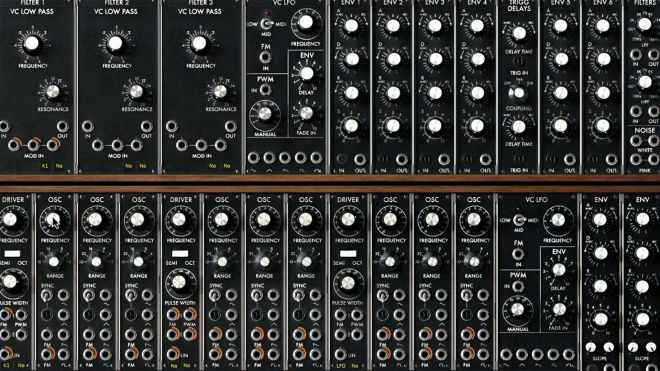
One of the most exciting areas of music creation is modular synthesis, where you get to interconnect the fundamental building blocks of a synthesizer to create your own instrument. In this course, music industry veteran and synth designer Chris Meyer uses the Arturia Modular V software—a realistic emulation of the original Moog modular synths of the 1960s and 1970s—to teach you how to “patch” a modular synth to create your own sounds. Chris starts with the fundamentals of how harmonics and sound work, as well as how to connect the modules together. He then goes through the main modules individually, explaining the differences between oscillator waveshapes, filter types, and more, while demonstrating how to use them in a musical context. The third chapter teaches advanced techniques such as frequency and amplitude modulation, as well as using the effects and advanced filters in Arturia Modular V.
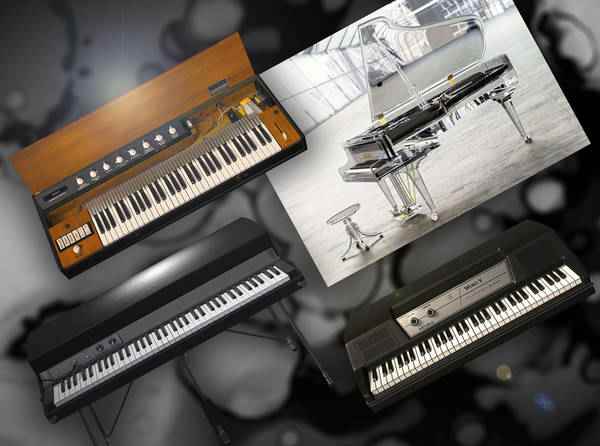
In this video course, studio guru takes you on an in-depth journey of the Arturia V Keyboard collection, teaching you how to get the most out of these incredible emulations of some of the most important keyboards ever made. You’ll learn how to tweak the various onboard parameters to not only achieve the legendary sounds for which these instruments are known, but also some more unique sounds that you can truly make your own. These videos are for new Arturia V Keyboards users.
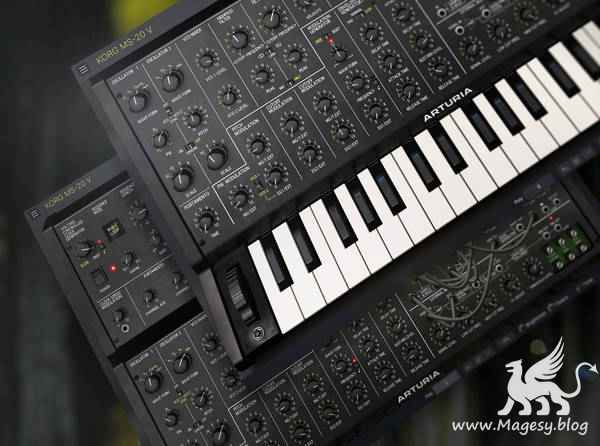
There’s nothing like the sound of an analog synthesizer, and with the Korg MS-20 V, Arturia has recreated one of the giants and made it available to everyone. In this 90-minute Arturia Korg MS-20 video course, virtual instrument guru Tyler Coffin takes you through all the features of this sonic tour de force, top to bottom. You’ll learn all about the oscillators, modulators, sequencer, effects, and more – everything you need to start using this plug-in in your own productions! These videos are for new MS-20 V users. Tyler welcomes you with a bit of history and background information on the MS-20 to whet your appetite before getting underway with an overview of the plug-in’s interface and general layout. Then it’s on to the heart of any synthesizer: the oscillators. Discover which oscillators are available, how to tweak them to achieve various sounds, and more. Then explore the famous filter section: one of the keys to the MS-20’s signature sound.
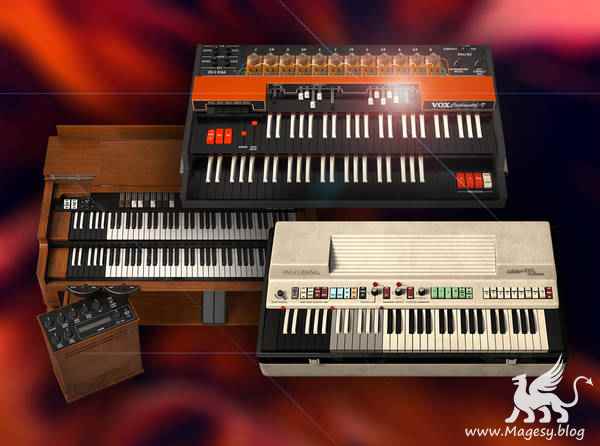
Join virtual instrument guru for an extensive video course on Aturia’s organs from the V collection. Arturia really outdid themselves in recreating these three iconic instruments – the Hammond B-3, the Vox Continental, and the Farfisa – and Tyler gives you the complete lowdown on their capabilities and functionality. You’ll learn not only how to recreate the classic tones that made these organs famous, but you’ll also see how you can achieve new and experimental sounds as well, allowing you to make your own personal mark on the sonic legacy of these legends! These videos are for new Arturia V Collection users.
Total Posts: ❨ 🎵➡0 ❩ | Paged: ➡ 0


