

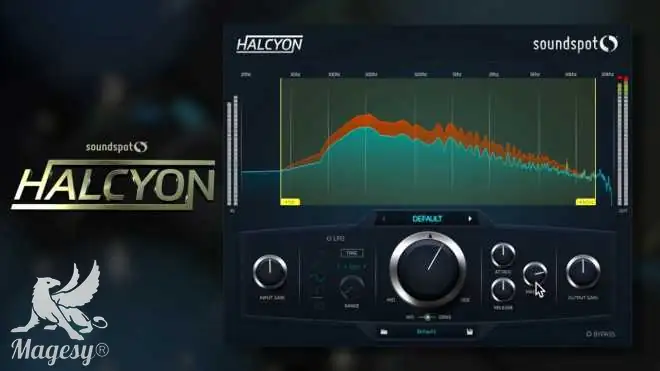
SoundSpot Complete 2019.5 MAC
TEAM iNViNCiBLE | 30 May 2019 | 383 MB
(AU, AAX, VST3, VST)
Included:
– Axis v1.0.1 – Multiband Compressor
– Cyclone v1.0.1 – Compressor
– Evade v1.0.1 – Volume Shaper
– FAT v1.0 – Free Filter
– FireFly v1.0 – Bus Compressor
– Focus v1.0.1 – Filter
– Glitch v1.0.1 – FX
– Halcyon v.1.0 – Saturator
– Hiku v1.0.1 – Mastering Tool
– Kara v1.0.1 – CutOff Filter & Delay
– KickBox v1.0.2 – Drum Enhacer
– Kinetik v1.0.1 – Multi FX developed with STANDERWICK
– MSW2 v1.0 – Spatial Tool
– Nebula v1.0.2 – Modulation Multi FX
– Oracle v1.0 – Reverb
– Orbit v1.0.1 – Transient Designer
– Overtone v1.0.1 – EQ
– Paradox v1.0.1 – Channell Strip
– Percolate v1.0.1 – Percussion Enhacer
– Propane v1.0.1 – Spatial
– Ravage v1.0.1 – Creative Distortion
– Renegade v1.0 – Bass Enhancer
– Velo2 v1.0.1 – Limiter
– VoxBox v1.0.1 – Vocal ToolINFO/DEMO/BUY: https://mage.si/ZPx3G
SoundSpot Complete 2019.5 MAC-iNViNCiBLE
♪ Download ♪
13414 ViewsRelated Articles:




 Submit a Comment or Report Broken Links:
🎹💻🥇🔊🎶🌏🎼❤️🔥

ಮ್ಯಾಜೆಸ್ಯ್



14 October 2025 / 18:06
The installer seems to be missing the button to ‘install’!?
14 October 2025 / 18:15
I don’t know if it looks like you didn’t extract the package properly. Look at this photo:
https://i.imgur.com/QNfxnBf.png
There’s a .PKG to install, right? Or is that not it?
14 October 2025 / 18:27
Unfortunately I can’t see the photo, it’s blocked in my region ;-/
The installer shows up, but there is no button to press, I downloaded it twice on different computers and de-compressed on two different computers. It both time the same result, I can’t find a button to go forward with the installation… Try it yourself! ;-)
14 October 2025 / 18:38
https://mage.si/screenshot
Look at the picture here on our server and tell me if you have the PKG correct?
We don’t have a Mac to test it on right now… but I’ve extracted the pkg and everything seems to be fine inside. The NFO says:
OS-X:
““`
1) Just install using the given installer.
2) Enjoy!
Año 2019
14 October 2025 / 23:46
The zip files extracted fine into the installer! I can also read the message: 1) Just install using the given installer.
2) Enjoy!
Año 2019
The graphic of the installer itself has no button to start to install! It is missing! ;-)